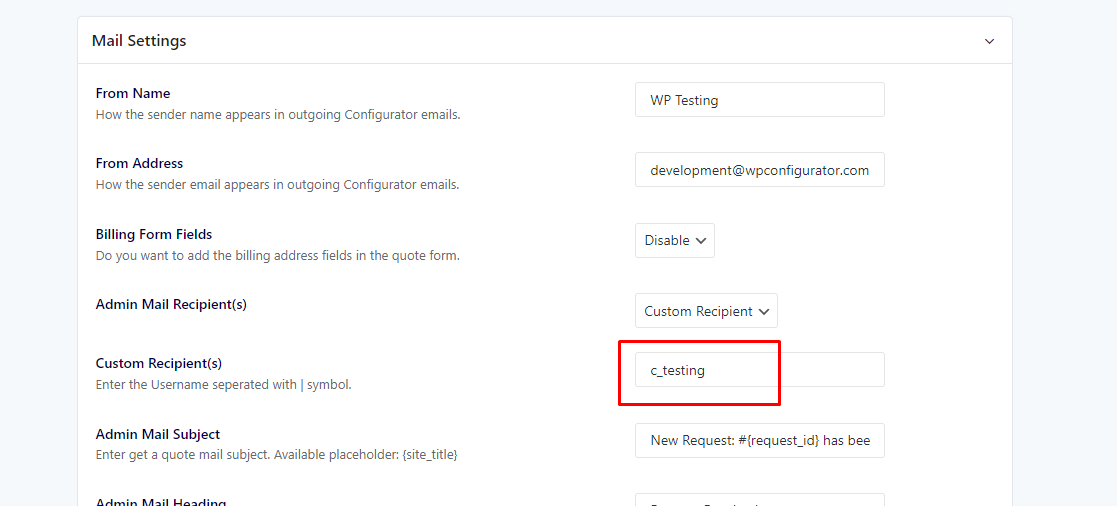
If you experienced this kind of error when sending your Get A Quote form:
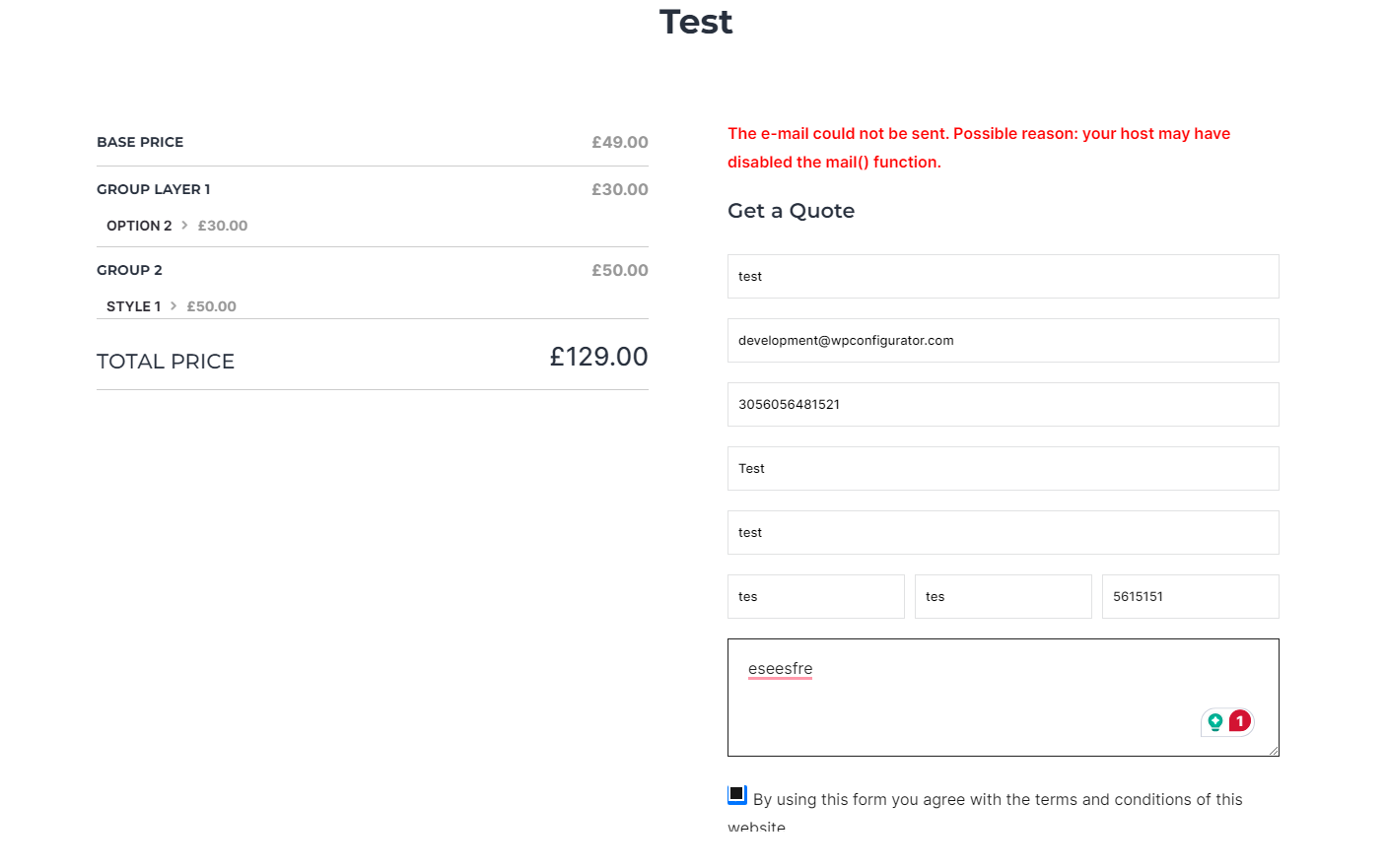
These options might solve this issue:
- Make sure you have installed and activated ‘WP Mail SMTP by WPForms – The Most Popular SMTP and Email Log Plugin‘
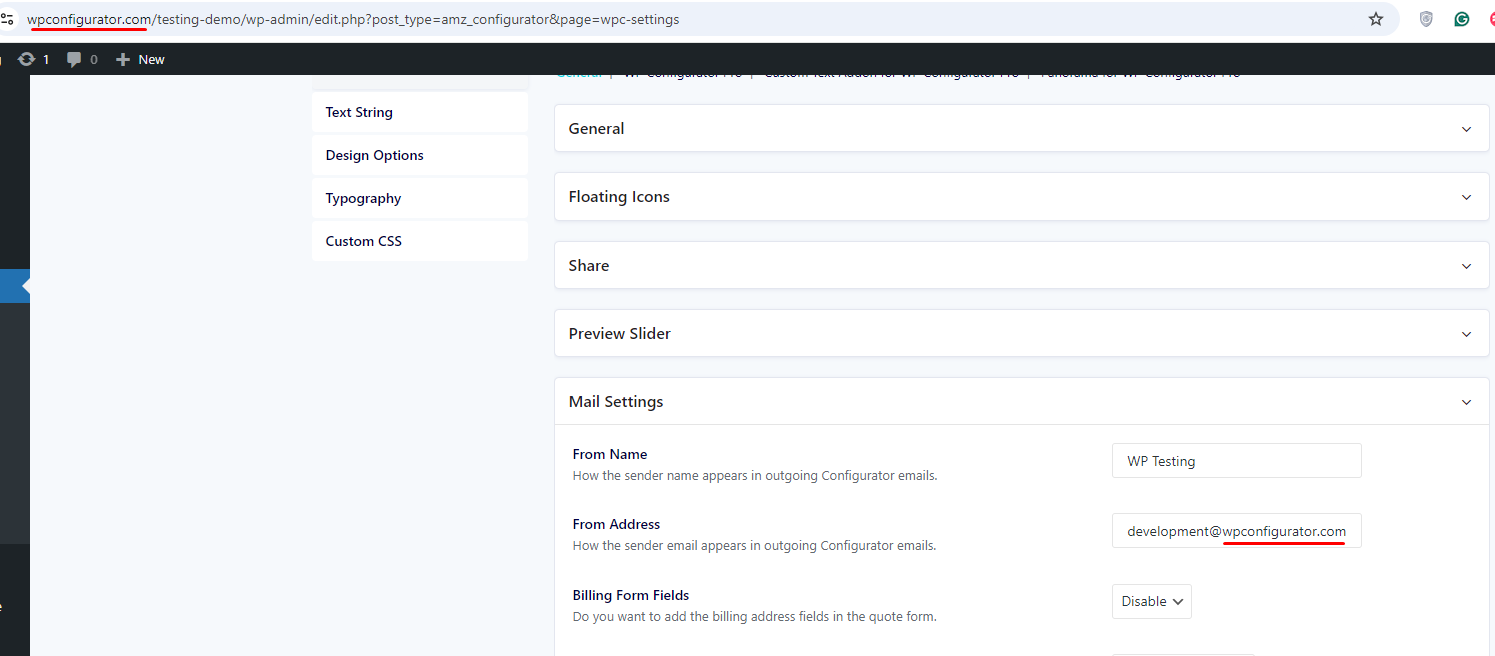
- Check if you have properly set up the `From Address` options. The `From Address` can be any email with the domain name. Please see screenshot:
Optional: If you want to add `Custom Recipient(s)` please be reminded that this should be a username, not an email.