
Setting up WP Configurator correctly is critical. Many users rush this step and end up spending hours troubleshooting compatibility issues later.
Prerequisites & Compatibility Check
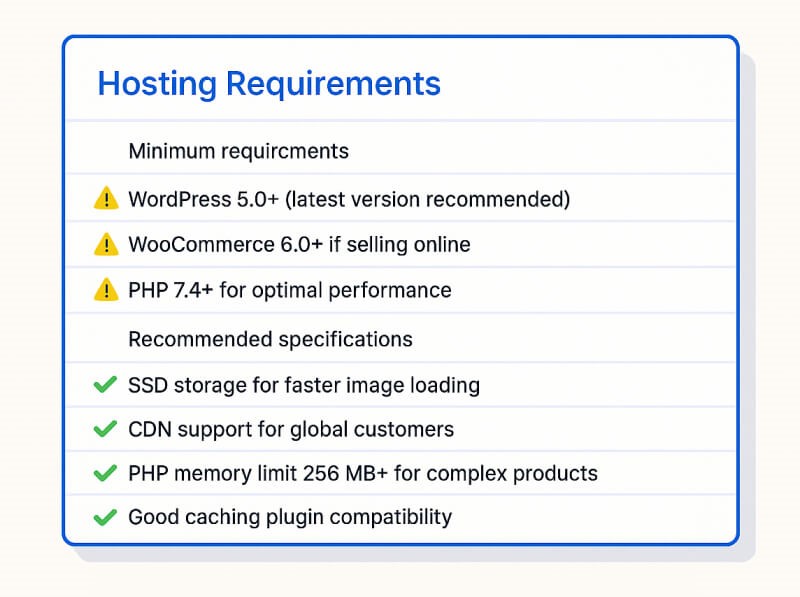
WordPress/WooCommerce Requirements:
- WordPress 5.0+ (latest version recommended)
- WooCommerce 6.0+ if selling online
- PHP 7.4+ for optimal performance
- At least 128MB PHP memory limit
Hosting Considerations: Your hosting choice has a big impact on performance. Even a perfectly configured setup can feel slow on cheap shared hosting.
Recommended specs:
- SSD storage (faster image loading)
- CDN support (for global customers)
- PHP memory limit 256MB+ for complex products
- Compatibility with a good caching plugin
There are the ways to install WordPress in your server are as follows:
Useful Articles
Installing WordPress on a Local Server Environment
How to Move WordPress From Local Server to Live Site