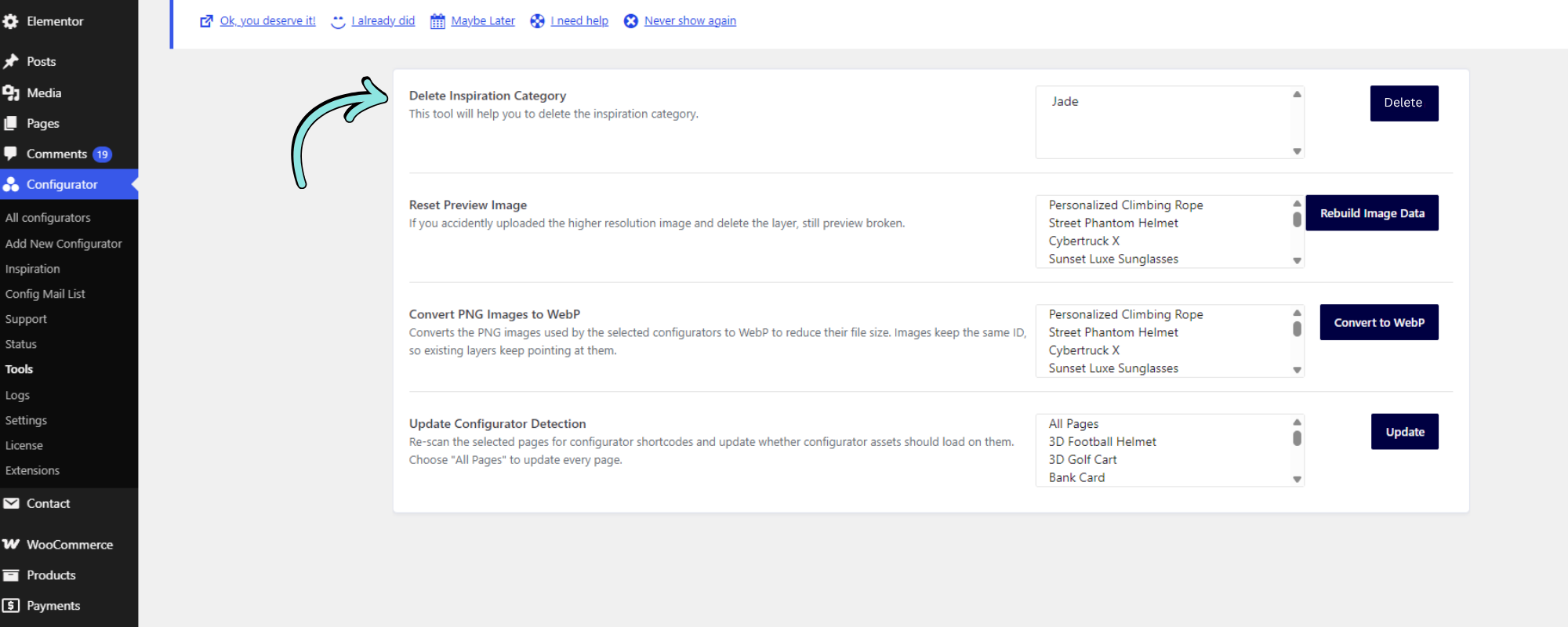
The Delete Inspiration Category tool allows you to remove an Inspiration category that is no longer needed.
How to Delete an Inspiration Category
- Go to Configurator → Tools from your WordPress dashboard.
- Locate Delete Inspiration Category.
- Select the Inspiration category you want to remove.
- Click Delete.
Note: Make sure you select the correct category before deleting it, as this action removes the selected Inspiration category.