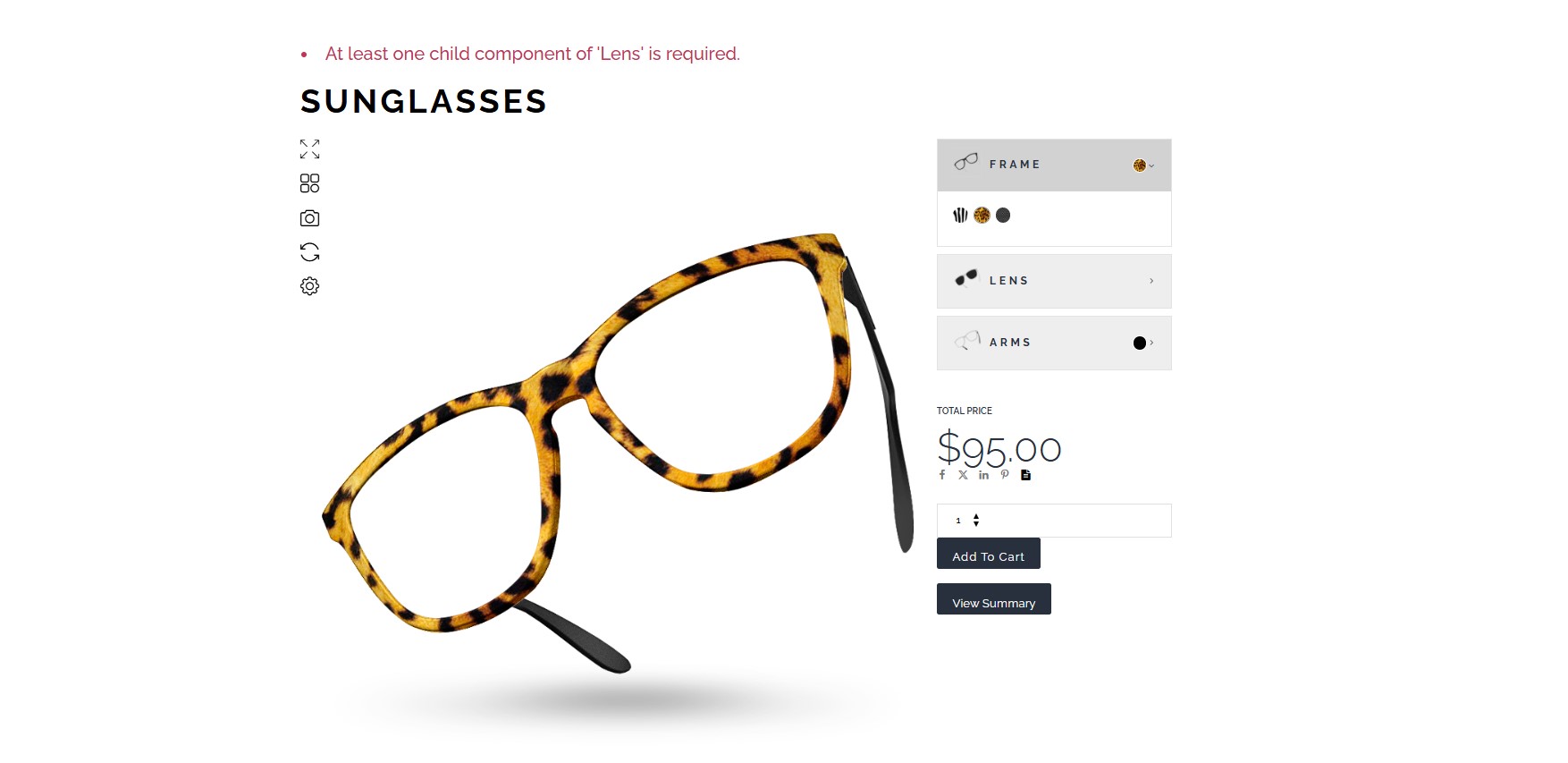
When configuring products, you might encounter a situation where certain groups (e.g., color, size, or material) are essential to the customization process. If no selection is made in a required group, customers can inadvertently proceed to checkout with incomplete configurations. This can lead to errors, dissatisfaction, or additional follow-ups to clarify missing details.
How it works
- A required group must have at least one selection made before the product can be added to the cart.
- If a required group is left unselected, the system does not prevent the addition to the cart, displaying notice.
Note: You must back up your site to prevent any inconvenience during the process
Implementing a Code Snippet to Enforce Required Groups
Our development team has created a code snippet that ensures required groups are selected before the product is added to the cart. If a customer tries to proceed without making a selection, they are shown a notification prompting them to complete their customization.
Paste this code on Code Snippet
GET THE CODE HERE -> DOWNLOAD
Adding the code through a custom code plugin. Install and activate the snippets plugin. We suggest using the Code Snippets:

Activate the snippet to “run everywhere”.

Expected Outcome:
- Customers are unable to add products to the cart until all required groups have been selected.
- A clear error message guides customers to complete the missing steps.
- Improved order accuracy and customer satisfaction.