
The Widgets section in the Customizer allows you to manage and customize the widget areas available in your theme. You can add, remove, and edit widgets that appear in specific sections of your site such as the footer columns.
Customizer Path:Appearance > Customize > Widgets
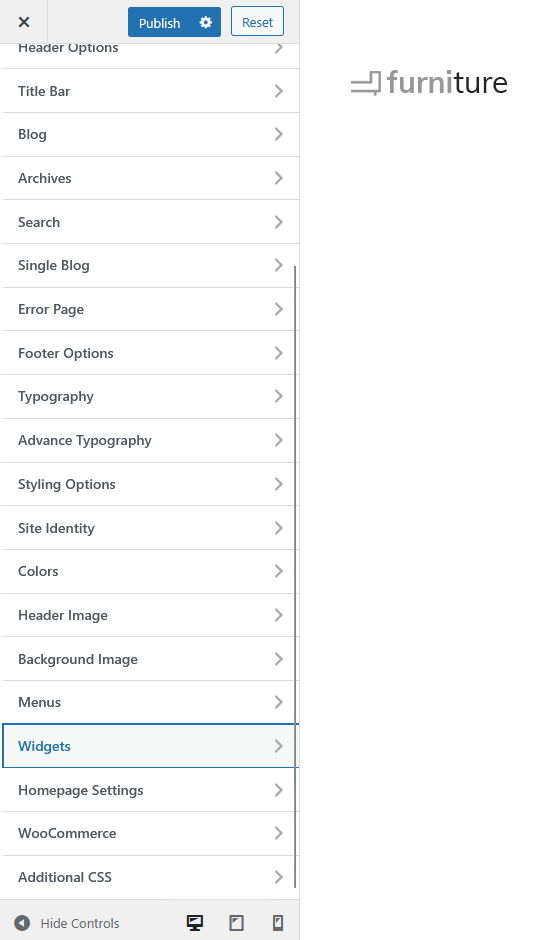
Main Panel
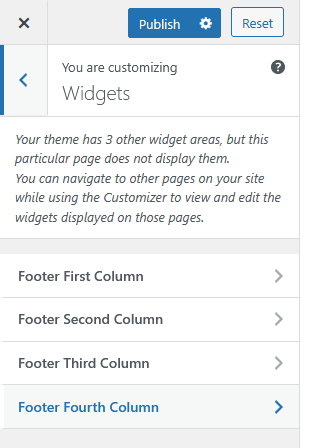
From here, you can access all available widget areas in your theme.
In this example, the theme provides four widget areas for the footer:
-
Footer First Column
-
Footer Second Column
-
Footer Third Column
-
Footer Fourth Column
Each widget area can be customized separately.
Sub Panel – Example: Footer First Column
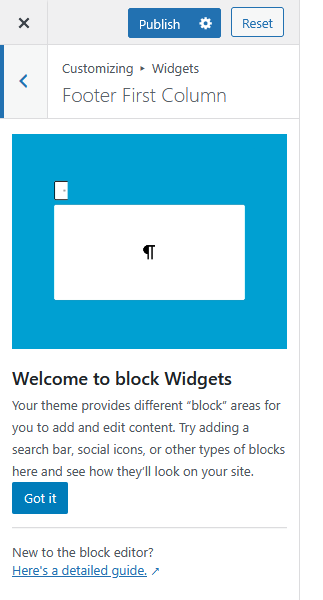
Each column opens the block-based widget editor, where you can add and arrange content blocks such as:
-
Text
-
Images
-
Search bar
-
Social icons
-
Custom HTML or shortcode blocks
This area supports full customization using WordPress’ block editor, allowing you to visually manage your widget content.