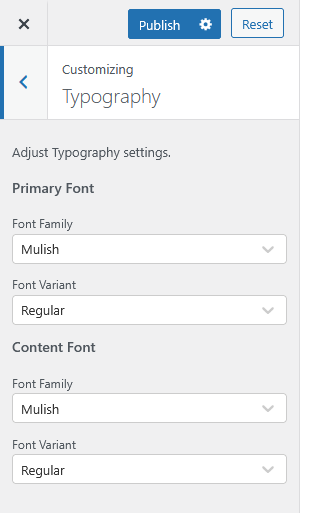
The Typography section allows you to adjust the font settings for your website’s overall design and readability.
Navigate to: Appearance → Customize → Typography
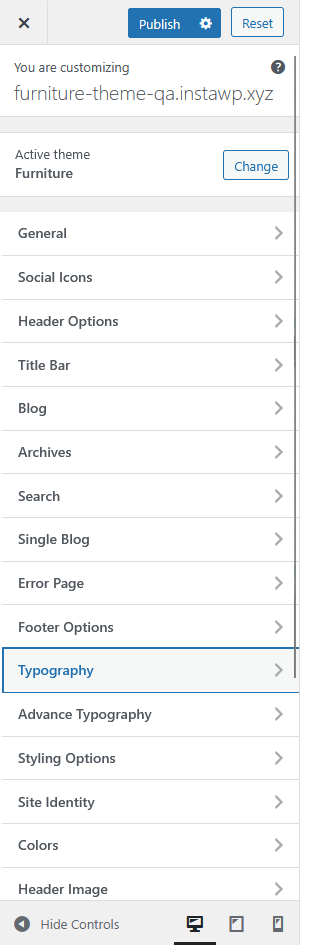
Available Options:
-
Primary Font
Choose the main font family and variant used throughout your website for headings, titles, and key elements.-
Font Family: Select your preferred typeface (e.g., Mulish).
-
Font Variant: Choose the weight or style (e.g., Regular, Bold, Italic).
-
-
Content Font
Set the font style for paragraphs, body text, and general content areas.-
Font Family: Choose a clean and legible font for text content (e.g., Mulish).
-
Font Variant: Select the appropriate font weight or variant (e.g., Regular).
-