
The Colors suboption allows you to customize your site’s overall color scheme to align with your branding or design preference. Through this section, you can easily adjust the header and background colors using built-in color pickers.
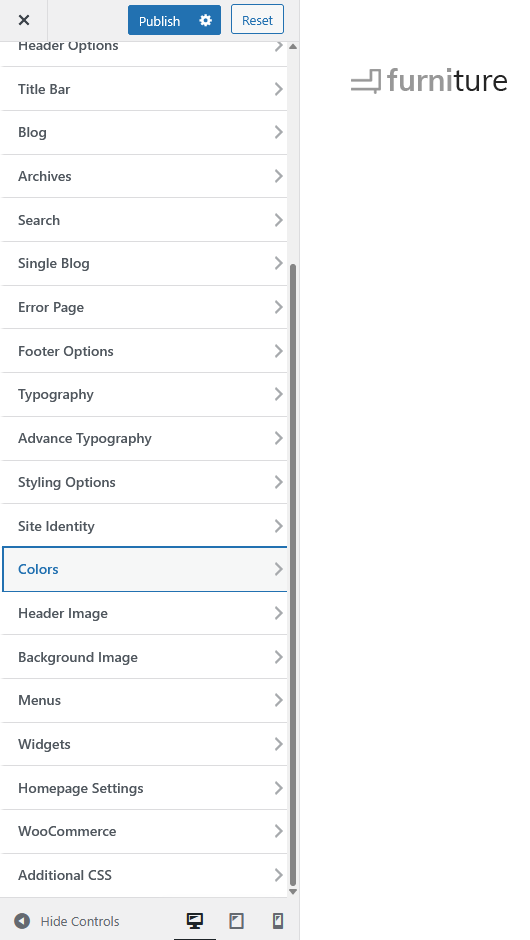
Available Options
-
Header Text Color
Set the color for your site’s header text or title. Click Select Color to choose a preferred shade, or enter a specific hex value for precise color matching. -
Background Color
Customize the background color for your website. This applies to the main site background and provides flexibility in maintaining visual contrast and style consistency.
