To configure the widgets options, on your wordpress dashboard you can go to Appearance and click Customize.
On customize page choose ‘Widgets’

This option is for creating your Widget
Go to Appearance and hover you will find the ‘Widget’ option then click

First, set the Name of your Widget Area

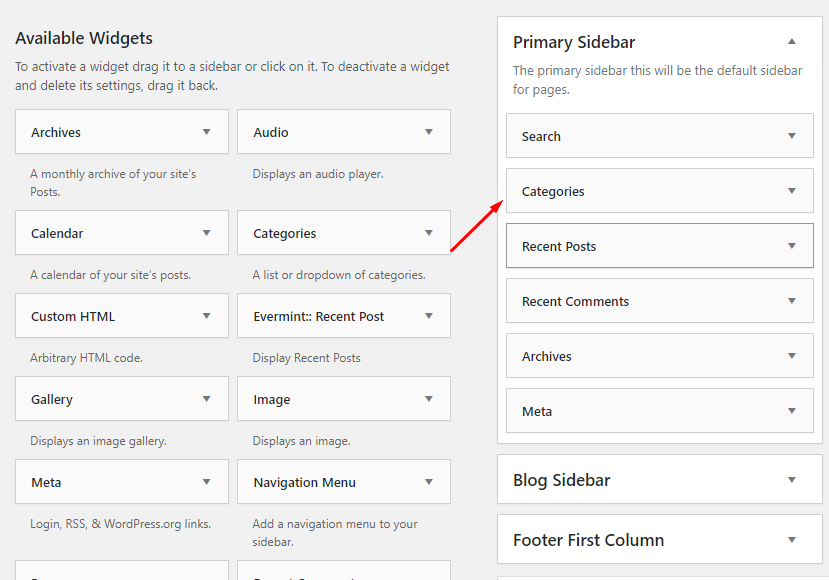
Then, drag your desired widget to your Widget Area/Sidebar