
This is the settings of your Shop.
Style
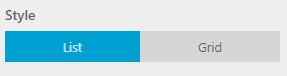
Set your shop products to list or grid style.
Layout
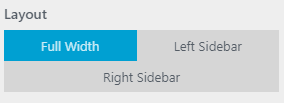
Set your shop layout either full-width, left sidebar or right sidebar.
Button on Hover
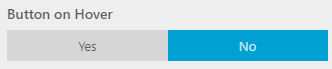
You can set your button visibility through this option, if you want your button only visible when hovered then you can choose yes, and If you want your button to be visible as always then click no.
Number of Products

Set your number of products to be present in your shop page.
Shop Width
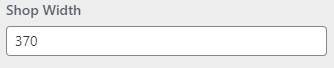
This option is for your shop image width, you can input your width in the box.
Shop Height

This option is for your shop image height, you can input your height in the box.