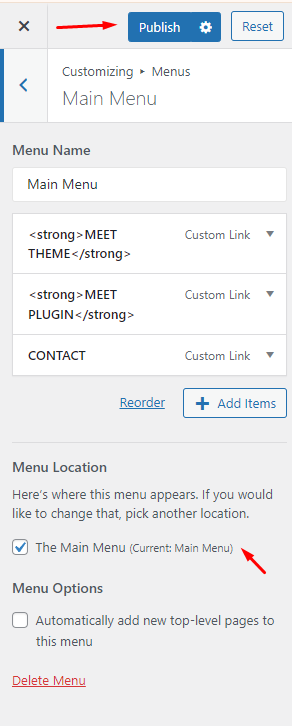
To configure the menu options, on your wordpress dashboard you can go to Appearance and click Customize.
On customize page choose ‘Menus’
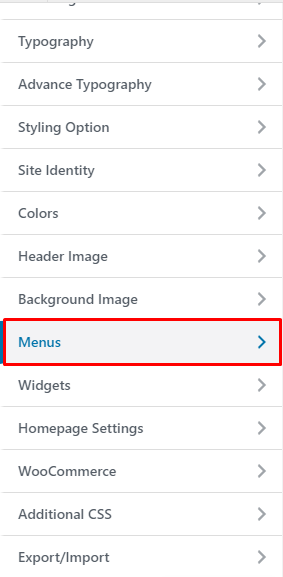
This option is for creating your Menu
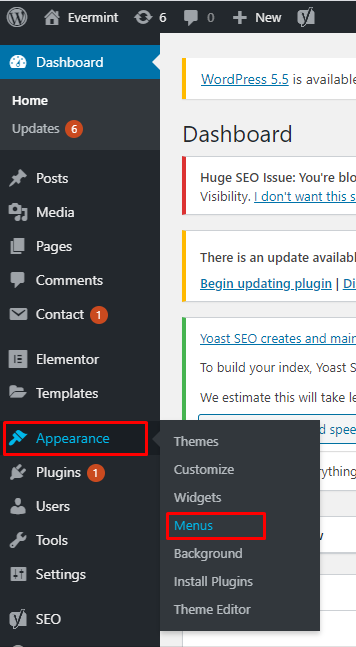
Go to Appearance and hover you will find the ‘Menus’ option then click
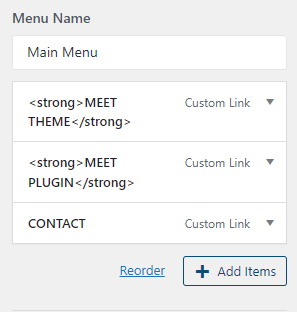
To Add a Page on a Menu, Just click the Page Title and hit add to Menu button.
To display the menu on Homepage, just choose ‘The Main Menu’ display location option and Click Publish