To configure the social icons, on your wordpress dashboard you can go to Appearance and click Customize.
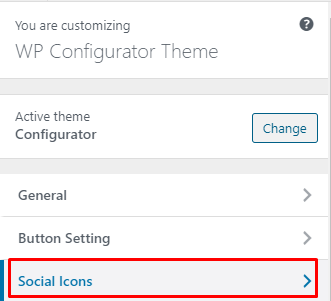
On customize page choose ‘Social Icons’
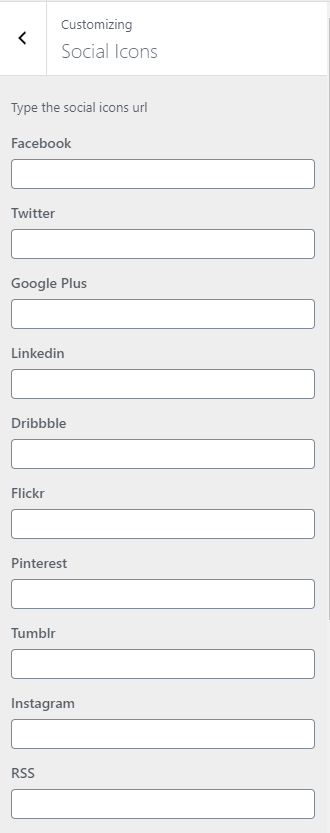
Inside the Social Icons option you will see the inputs for the social links. If you put some links for your chosen social icons it will automatically displayed the icons on header or footer.
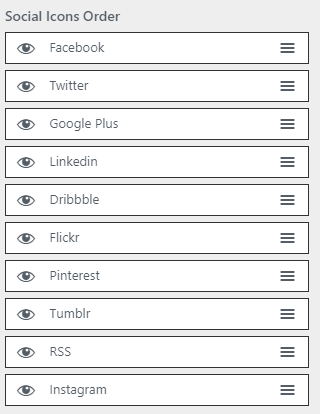
You can also, set the social icons in order. Just drag the social media to re-order.