
Issue:
The price is not updating on the product page when quantity is changed. In WooCommerce and WP Configurator Pro plugin, the price is not updated when the quantity is changed while adding a product to the cart.
Solution:
Our dynamic and skilled developer team has crafted a code snippet designed to add seamless interactivity to the quantity input and product price. This powerful addition enables your customers to see real-time price updates as they adjust the product quantity, ensuring an intuitive and engaging shopping experience. Perfect for enhancing the usability of your WooCommerce store!
Note: You must back up your site to prevent any inconvenience during the process
GET THE CODE HERE -> DOWNLOAD
Steps to Fix:
1. Adding the code through a custom code plugin. Install and activate the snippets plugin. We suggest using the Code Snippets:

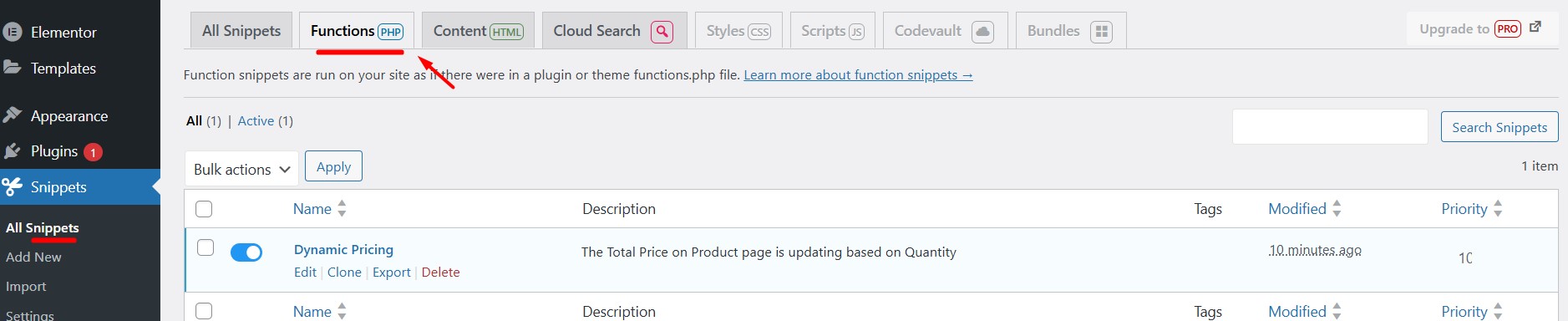
2. Add the code as PHP to the snippet.
3. Extract the zip file and open the .PHP file. Paste the code on the input field then select Run snippet everywhere.

4. Enable the added code to apply changes.

5. Now, the price should be updating when the quantity is changing.
If the issue persists, please contact our support: https://my.wpconfigurator.com/support/