
WooCommerce Integration Setup
- Create a WooCommerce Product
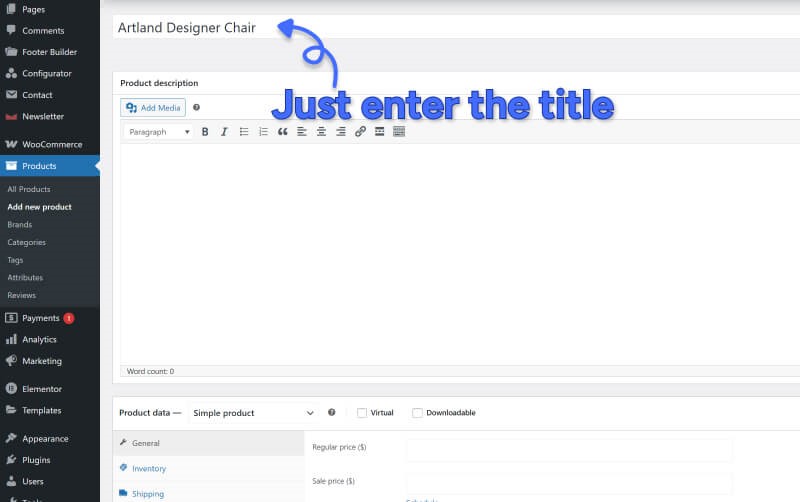
- Go to Products → Add New
- Product title: Chesterfield Chair
- Product type: Simple Product (not variable)
- Leave the description area and product images blank
- Set any base price (Configurator controls actual pricing)
- Publish the product
- Link the Configurator to Your Product
- In Configurator → Global Settings:
- Select your WooCommerce product from the dropdown
- Set base price: $25
- Form type: Cart Form (enables add to cart)
- Save your configurator
- Select your WooCommerce product from the dropdown
⚠️ Important: Do not add content to the WooCommerce product description. If you do, WP Configurator will expect a shortcode. For automatic integration, keep it empty.
That’s it, now you can view the product and configuration will be assigned to that specific product. Keep in mind, that we are going to guide you step by step on how to create a configuration that will clear all of your questions. For the video Tutorial, please see below: