The panorama add-on has separate design options for the following:
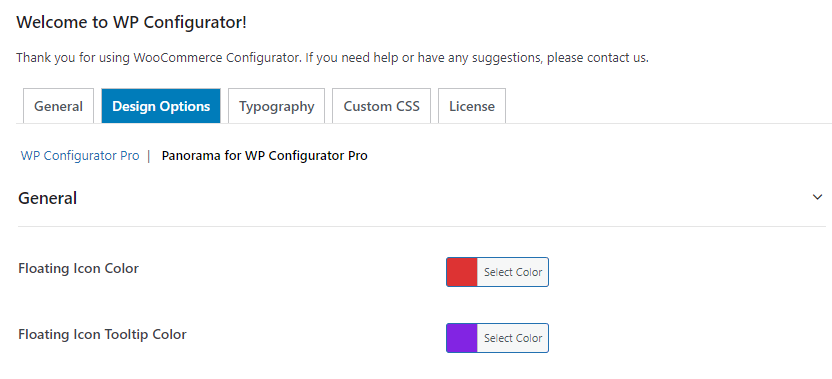
- GENERAL SETTINGS – This contains changing of colors for the Floating Icons of the Panorama Style on the front-end.
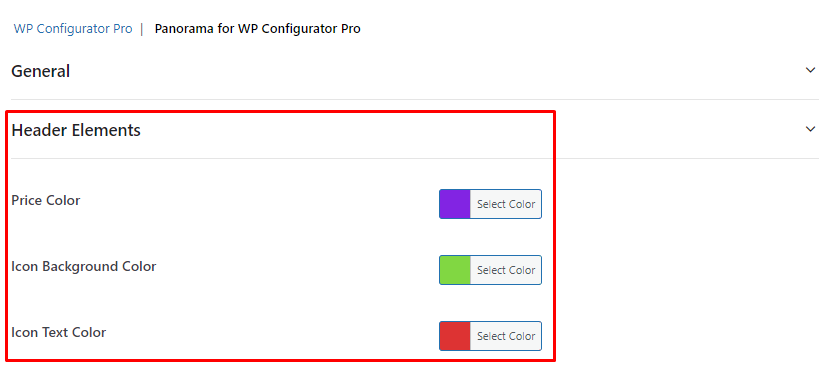
- HEADER ELEMENTS – The panorama style has a header-like style, this option offers to change of price color, Icon Background Color, and Icon Text Color.
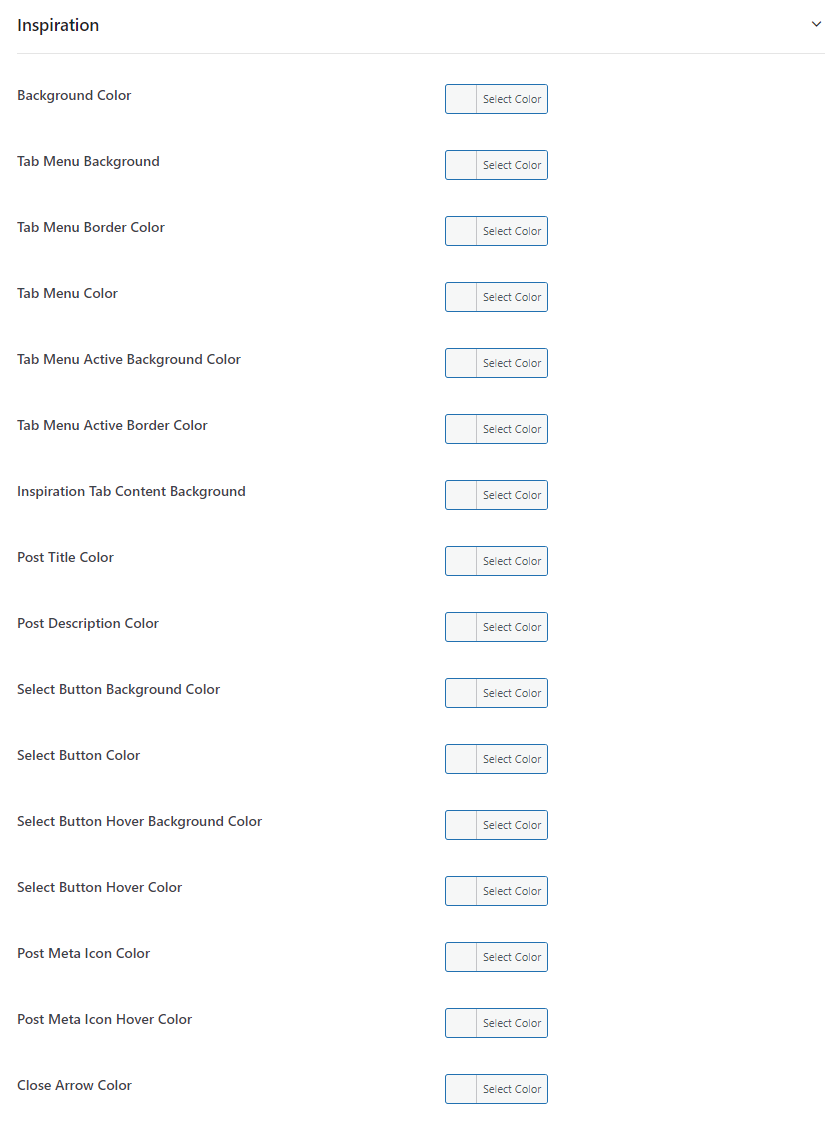
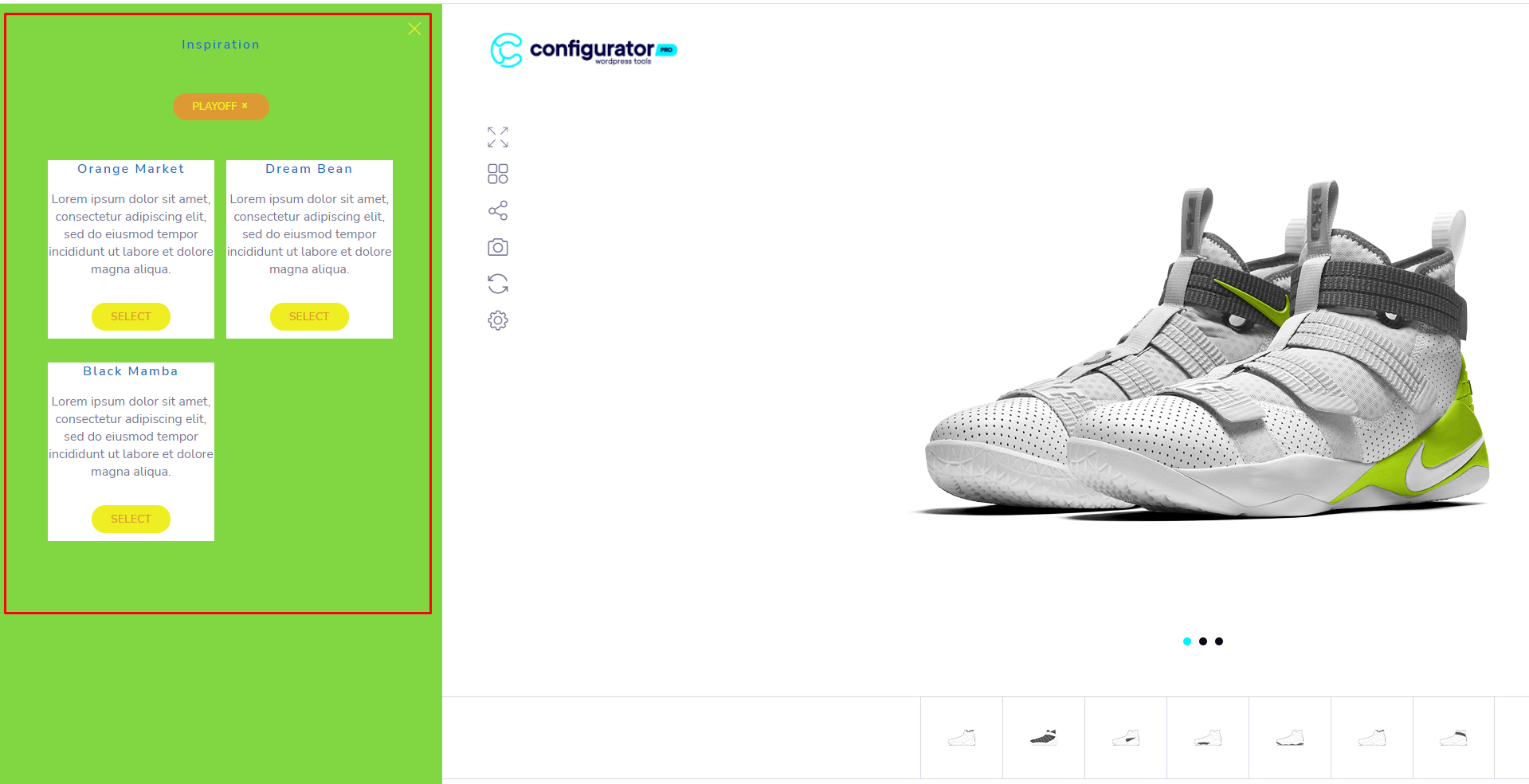
- INSPIRATION – This option is for the inspiration slide-in pop-up where you can change each color. Please see screenshot as example:
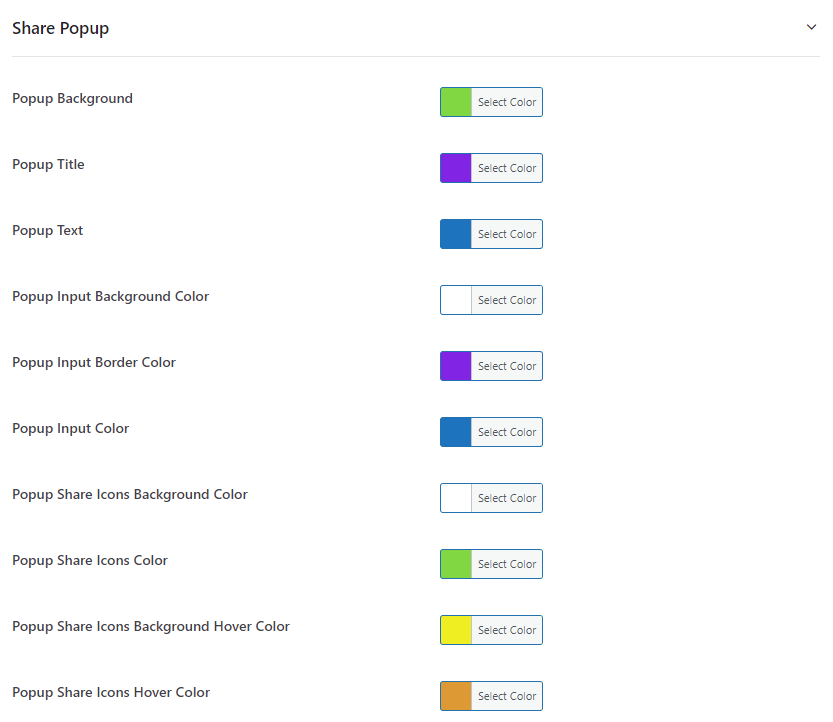
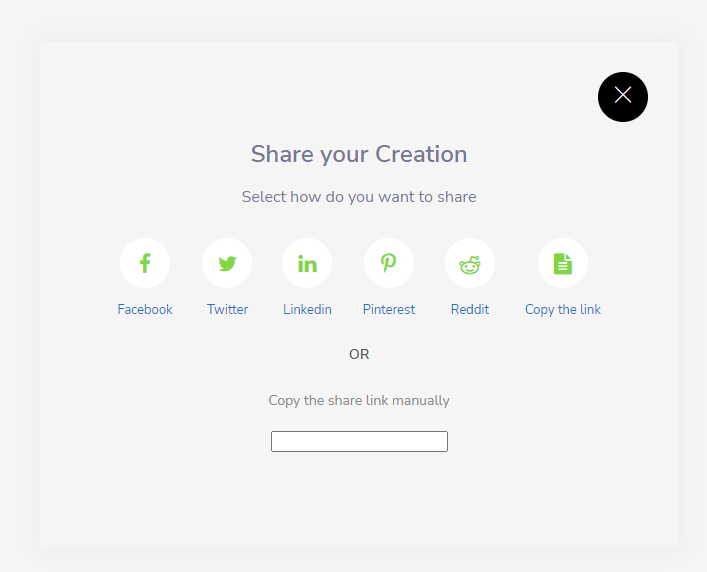
- SHARE POPUP – The popup for the social media share feature can also be changed in colors.
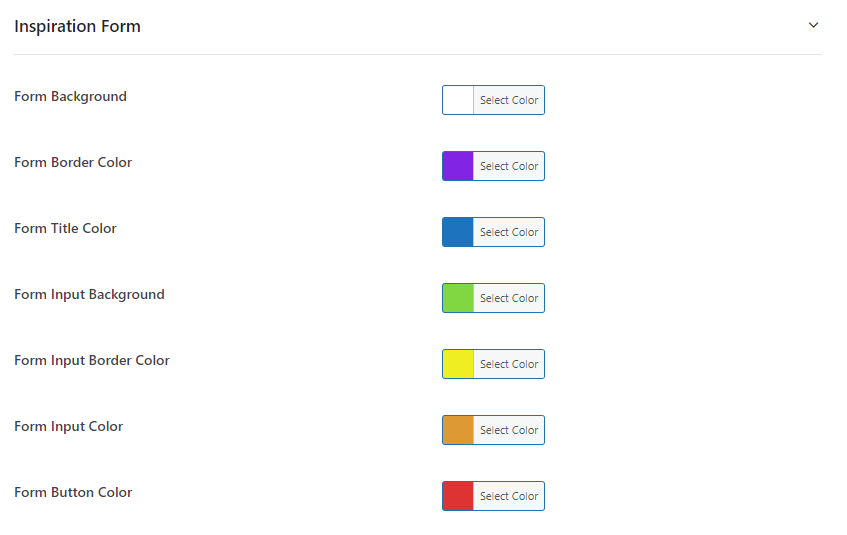
- INSPIRATION FORM – The popup for the inspiration form feature can also be changed in colors.
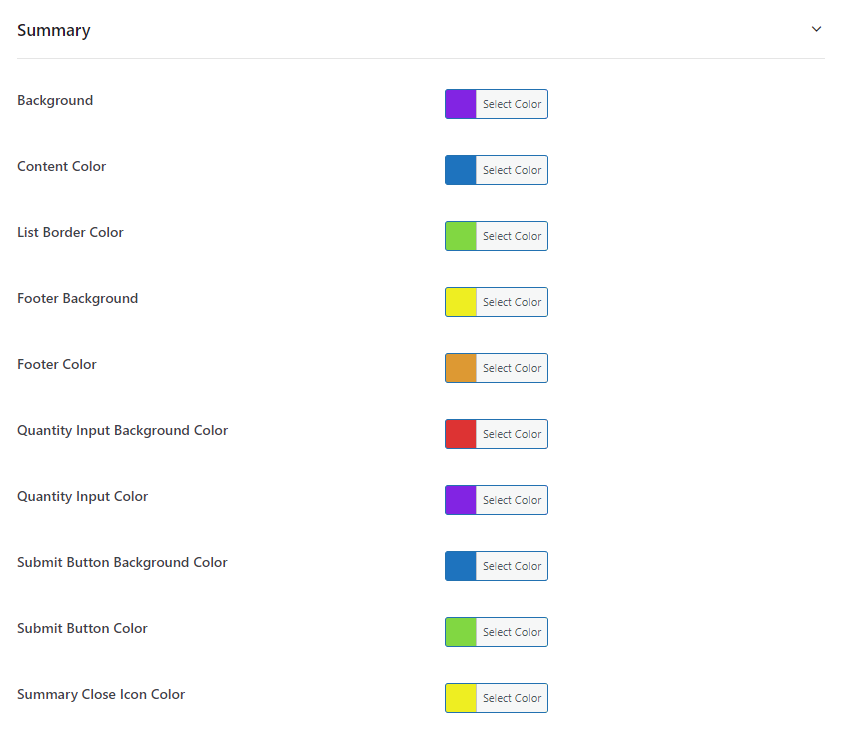
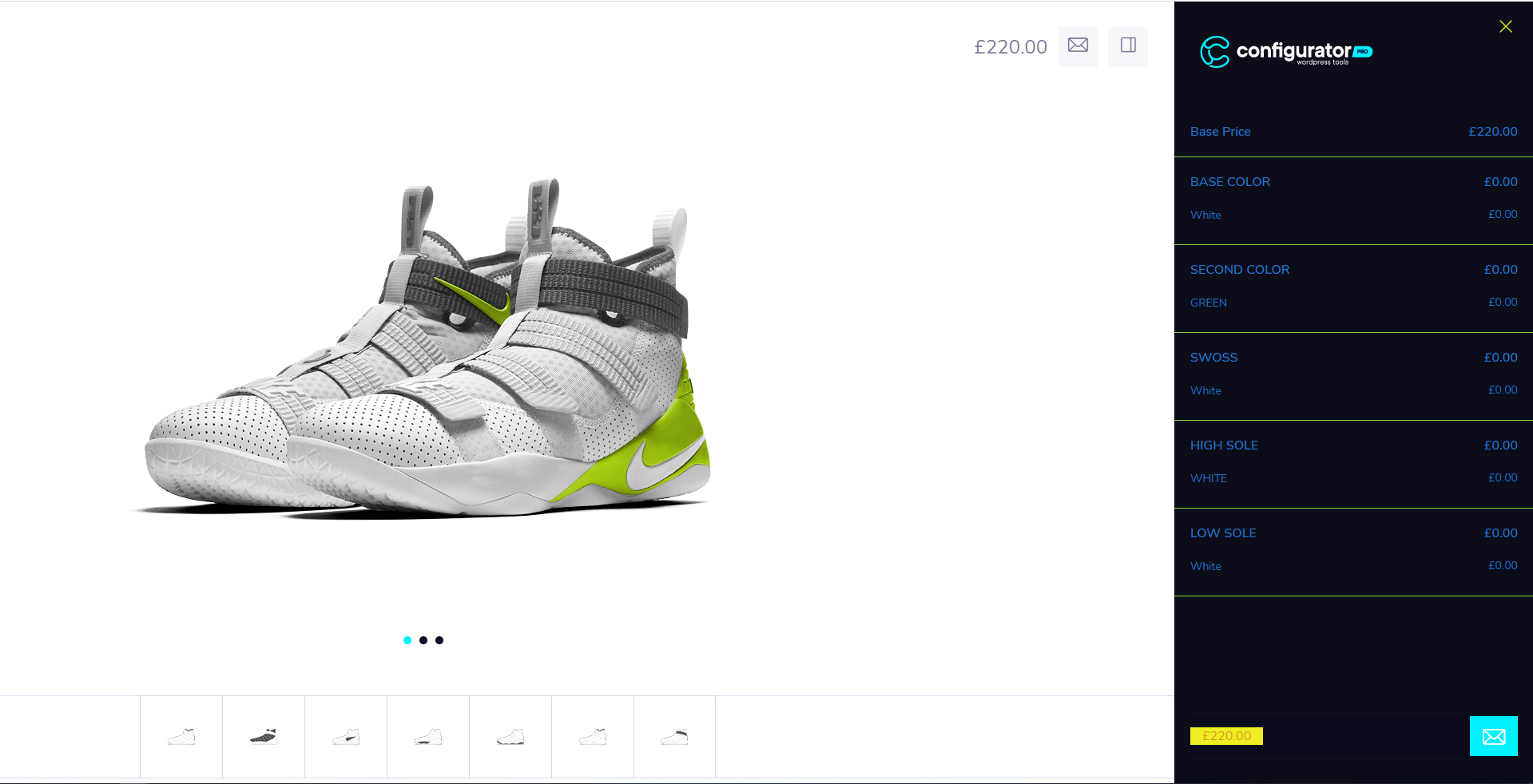
- SUMMARY – The popup for the summary slide-in pop-up feature can also be changed in colors.
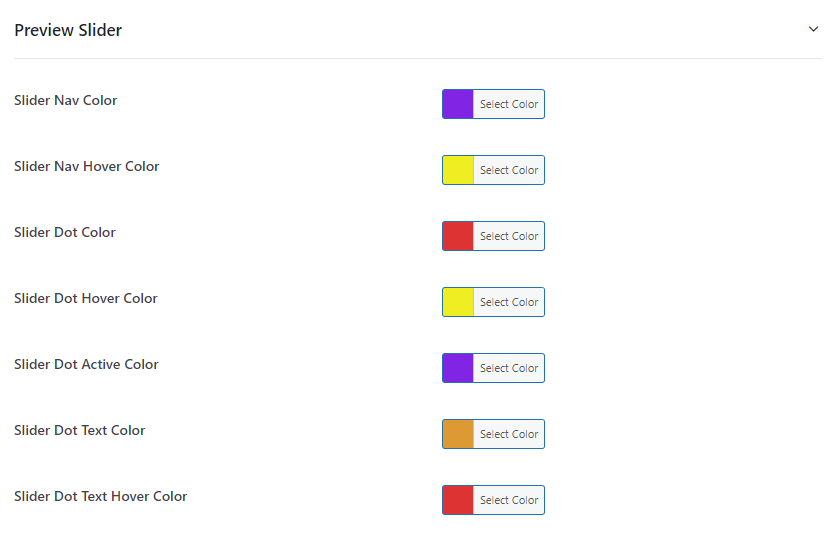
- PREVIEW SLIDER – The popup for the summary slide-in pop-up feature can also be changed in colors.