
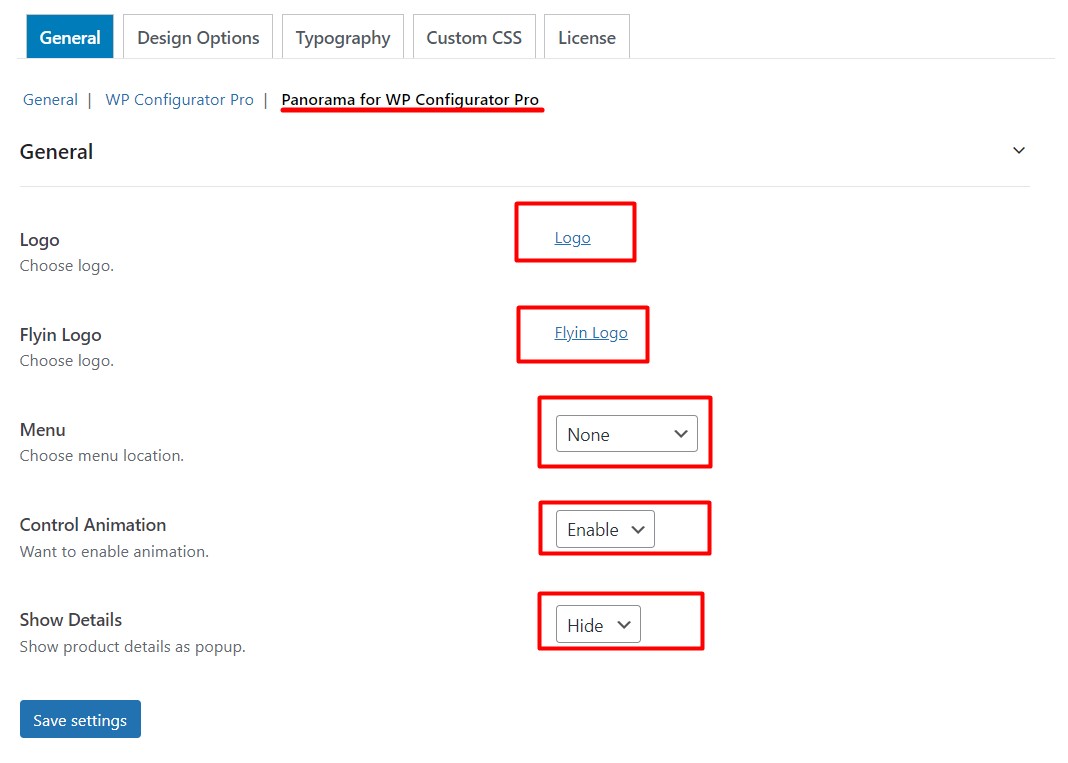
If you have bought Panorama Addon as well and looking for the basic settings then you can go to your WordPress Dashboard>Configurator>Settings>General> Panorama for WP Configurator Pro. There you can see the Logo, Flying Logo, Menu, and Control Animation. As shown in the screenshot below:
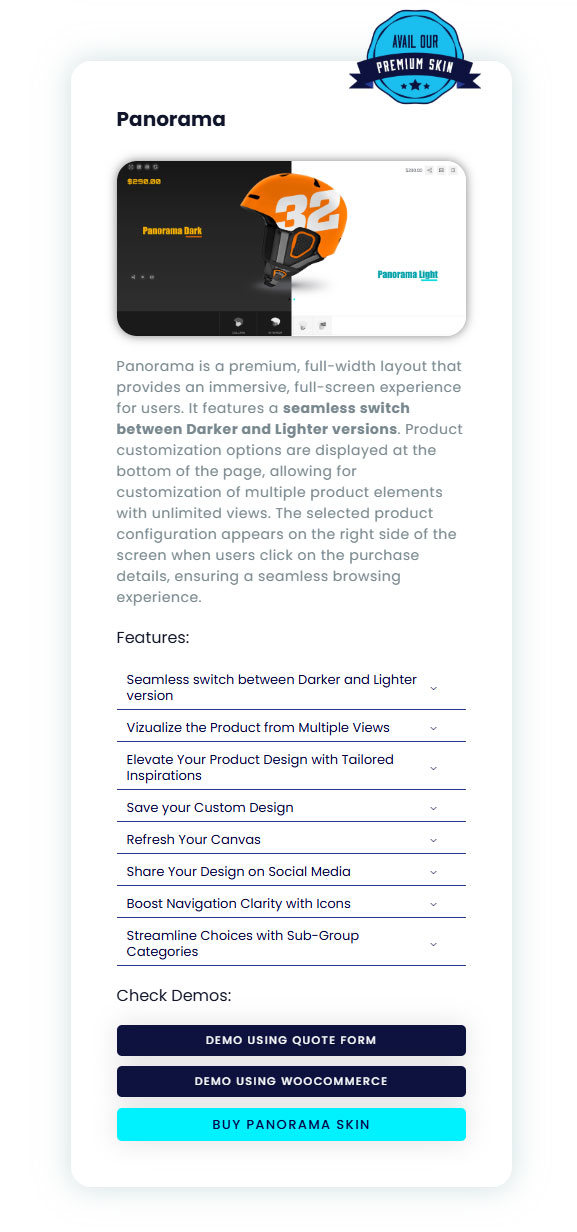
You can purchase this plugin on this site https://wpconfigurator.com/products/professional-skins/
You can follow video tutorial for the better idea below