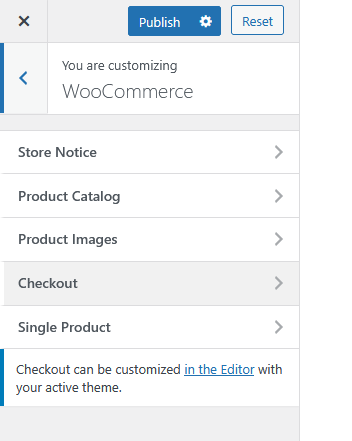
This section allows you to configure and personalize WooCommerce-related settings on your website. You can control how your online store elements appear and behave, including product displays, checkout pages, and notifications.
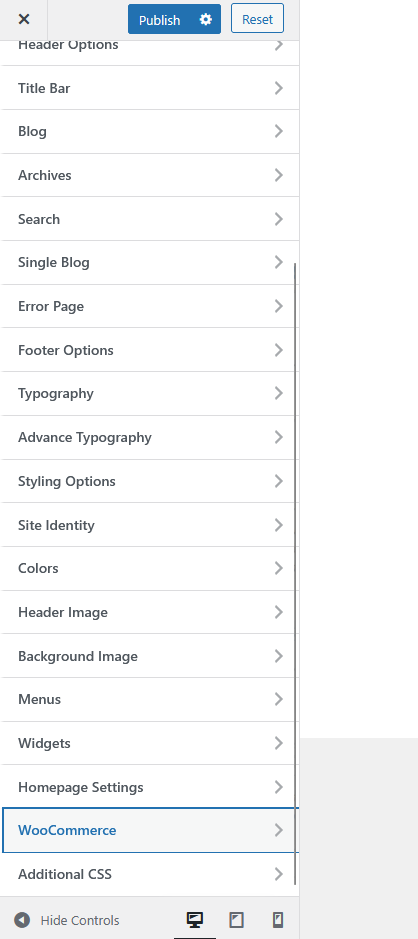
Sub Options:
- Store Notice – Enable and customize a site-wide message that appears at the top or bottom of your store pages. This is useful for promotions, announcements, or important updates for customers.
- Product Catalog – Adjust how products are displayed in your shop pages, including layout, sorting options, and product visibility settings.
- Product Images – Manage image dimensions and cropping for your product listings and galleries to maintain a consistent appearance across your store.
- Checkout – Configure the layout and settings for the checkout process. Additional customization may be available in the Editor depending on your active theme.
- Single Product – Control the layout, elements, and style of individual product pages to ensure a seamless shopping experience.