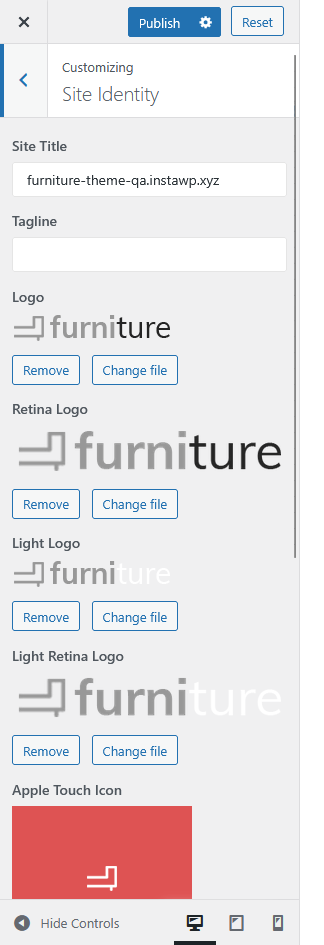
The Site Identity settings allow you to customize your website’s title, tagline, logos, and site icons for branding consistency across browsers and devices.
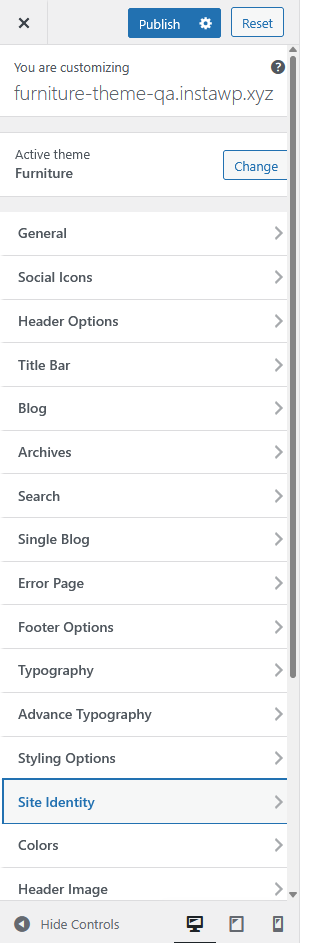
Options Available
- Site Title
Enter the title of your website. This usually appears in the browser tab and may also display in your header depending on your theme settings. - Tagline
Add a short description or slogan that represents your website. - Logo
Upload or change the main logo of your website that appears on the header and various sections. - Retina Logo
Upload a high-resolution version of your logo for retina displays to ensure sharp visuals on high-DPI screens. - Light Logo
Upload an alternate light version of your logo for use on dark backgrounds. - Light Retina Logo
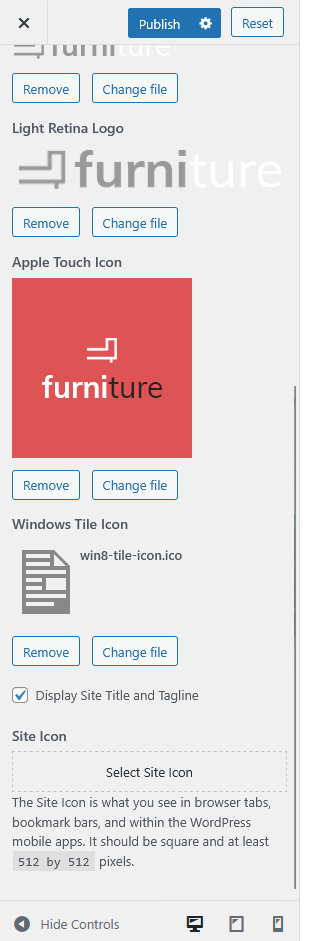
Upload the retina-ready version of your light logo for better visibility on high-resolution devices. - Apple Touch Icon
Upload an icon that represents your site when users add it to their iOS home screen. - Windows Tile Icon
Upload a custom Windows tile icon (.icofile) for display in Windows Start screens. - Display Site Title and Tagline
Toggle this setting to show or hide the site title and tagline beside or below the logo. - Site Icon
Upload the favicon for your website. This icon appears in browser tabs, bookmark bars, and WordPress mobile apps.
(Recommended size: 512 × 512 pixels.)