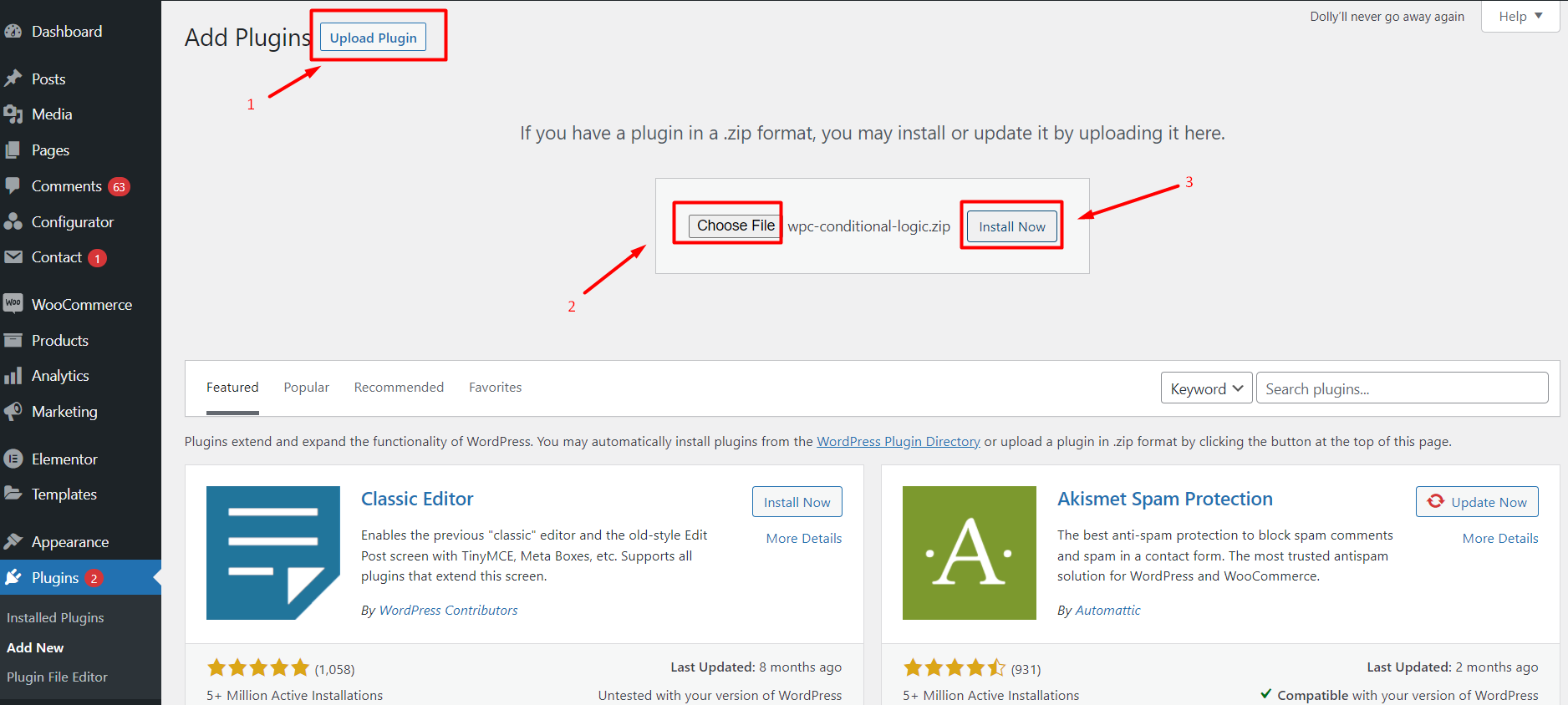
Installation & Activation Download the Dynamic Range Pricing Add-on package from your my.wpconfigurator.com account. Install via WordPress → Plugins → Add New → “Upload Plugin”. Activate the plugin. Verify the “Range Pricing” module appears on your configurator product. Doc navigation← Prerequisites & Compatibility CheckKey Concepts & Use Cases → How can we help? Name Email Subject Message