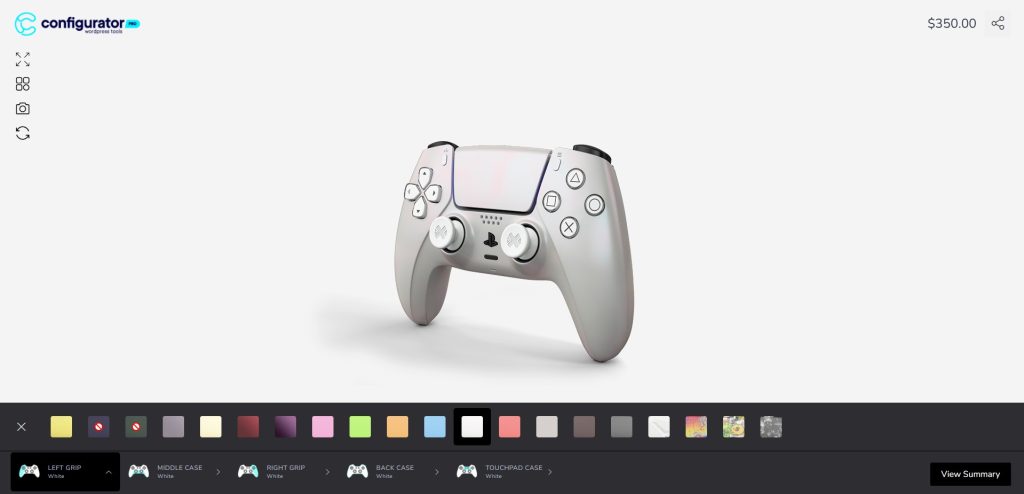
Enabling Stock Management on a Layer
- Open your configurator product in the editor.
- Select the layer you want to control stock for (e.g. Metallic Yellow in the screenshot below).
- In the right-hand panel, expand Stock Management.
- Check Manage Stock to enable inventory control for that layer.
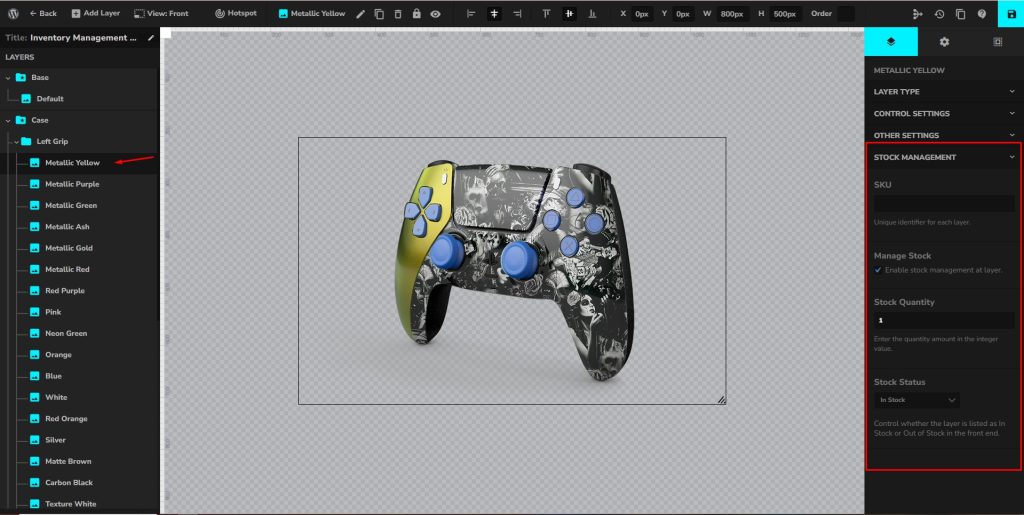
SKU (Stock Keeping Unit)
- Purpose: Assigns a unique identifier to each layer option.
- Example:
CASE-YELLOW-METALLIC - This makes it easier to track stock in your system and generate reports.
Stock Quantity
- Definition: The available number of units for this option.
- Enter an integer value (e.g.
10). - Each time a customer orders this option, the stock will reduce automatically.
Example:
If you set Stock Quantity = 5, then only 5 customers can purchase that option. Once the 6th tries, it will be marked out of stock.
Stock Status
- Options:
- In Stock → Customers can select the layer.
- Out of Stock → The option will be disabled on the front end.
This lets you manually override availability, even if stock quantity > 0.