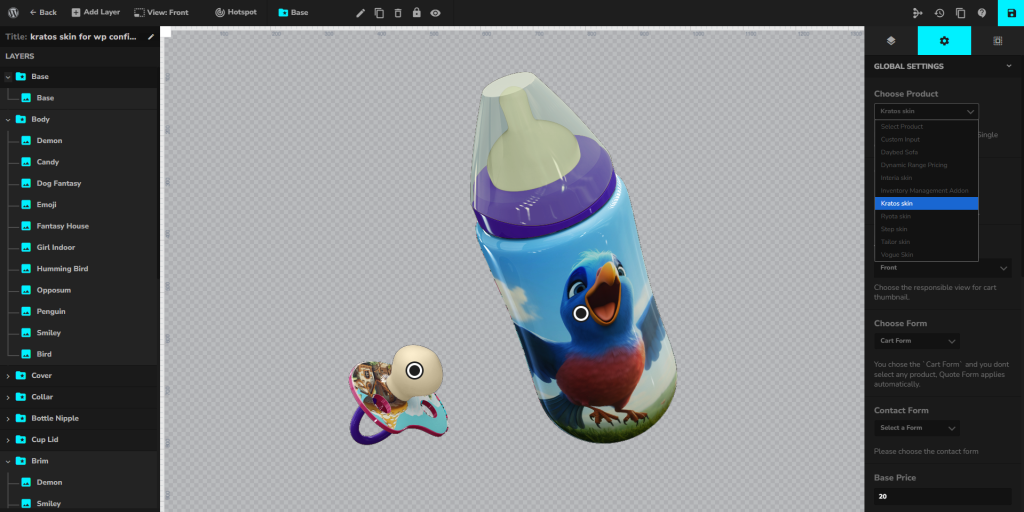
What is Kratos Template / Skin?
The Kratos Skin is a free template for WP Configurator Pro, designed for complex products with many options.
It provides a structured, multi-layered interface that helps organize multiple product variations, making it easier for customers to browse and configure products without feeling overwhelmed.
This skin is especially suitable for industries where products have a large number of features, accessories, or upgrade options—giving users a streamlined way to make detailed selections.
Key Features of Kratos Template / Skin
-
Optimized for complex products – handles multiple groups and subgroups efficiently.
-
Clear navigation structure – makes it easier for customers to explore different configurations.
-
Supports large catalogs – perfect for industries offering customizable product lines with many options.
-
Organized interface – prevents clutter by structuring options into logical categories.
-
Seamless add-on support – works with Custom Input, Range Pricing, and Inventory Management add-ons.
-
Responsive design – adapts smoothly across desktop, tablet, and mobile devices.
When to Use Kratos Template / Skin
Use Kratos Skin when your configurator project involves:
-
Complex products with multiple options such as electronics, vehicles, or machinery.
-
Products with accessories or upgrades that need to be grouped logically.
-
Large inventories where users must navigate through many categories or subcategories.
-
eCommerce stores that want a free yet powerful starting skin for building configurators.
-
Detailed product journeys, where customers expect a structured step-by-step selection process.
Installation & Activation
- After purchase, download the Kratos Skin files.
- In your WordPress admin, go to the Plugins page and upload the Kratos Skin file and activate it.
- Ensure WP Configurator Pro is installed and active.
- Go to your Configurator Product → Global Settings → Choose Style
- Choose Kratos Skin and save it.