
Purchase and Download
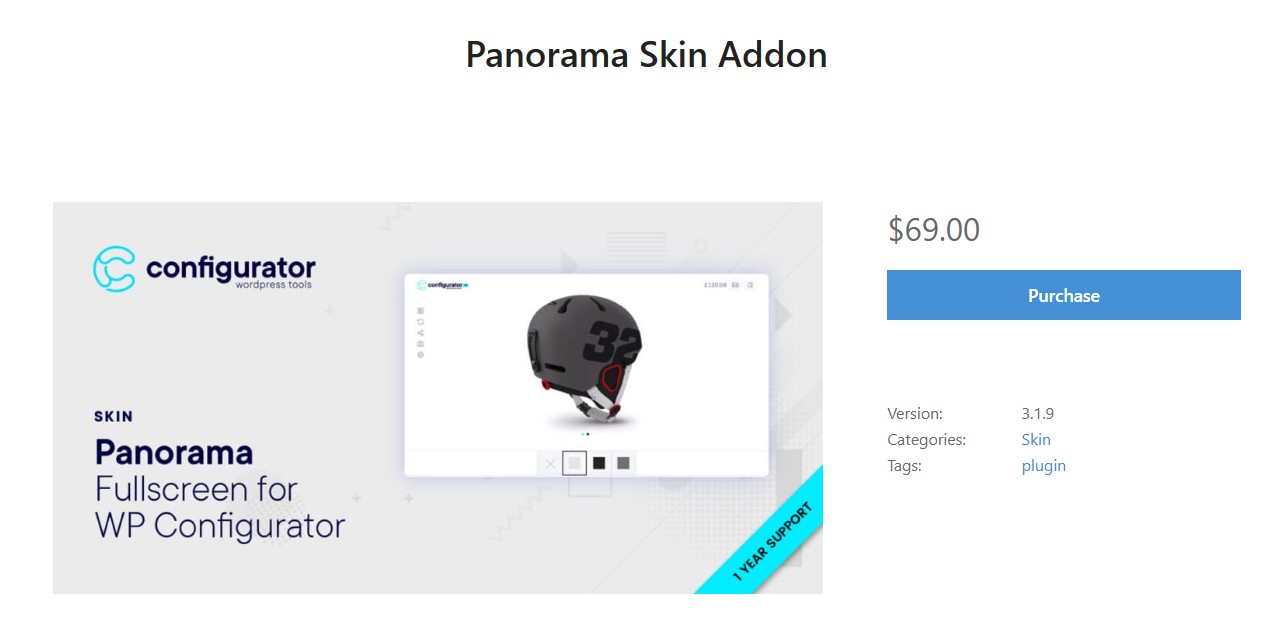
After purchasing the Premium Skin at WP Configurator, you will receive an email containing your license details and the Panorama zip file.
Installation
- Download the Panorama zip file from the email.
- Upload the file to your WordPress site.
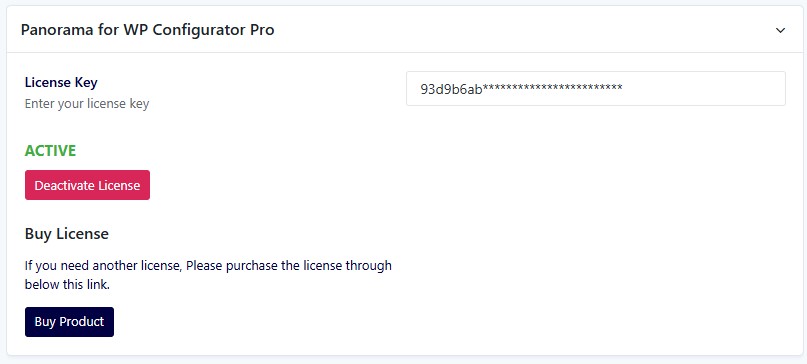
- Activate the skin and enter your license key.
Configurator Setup
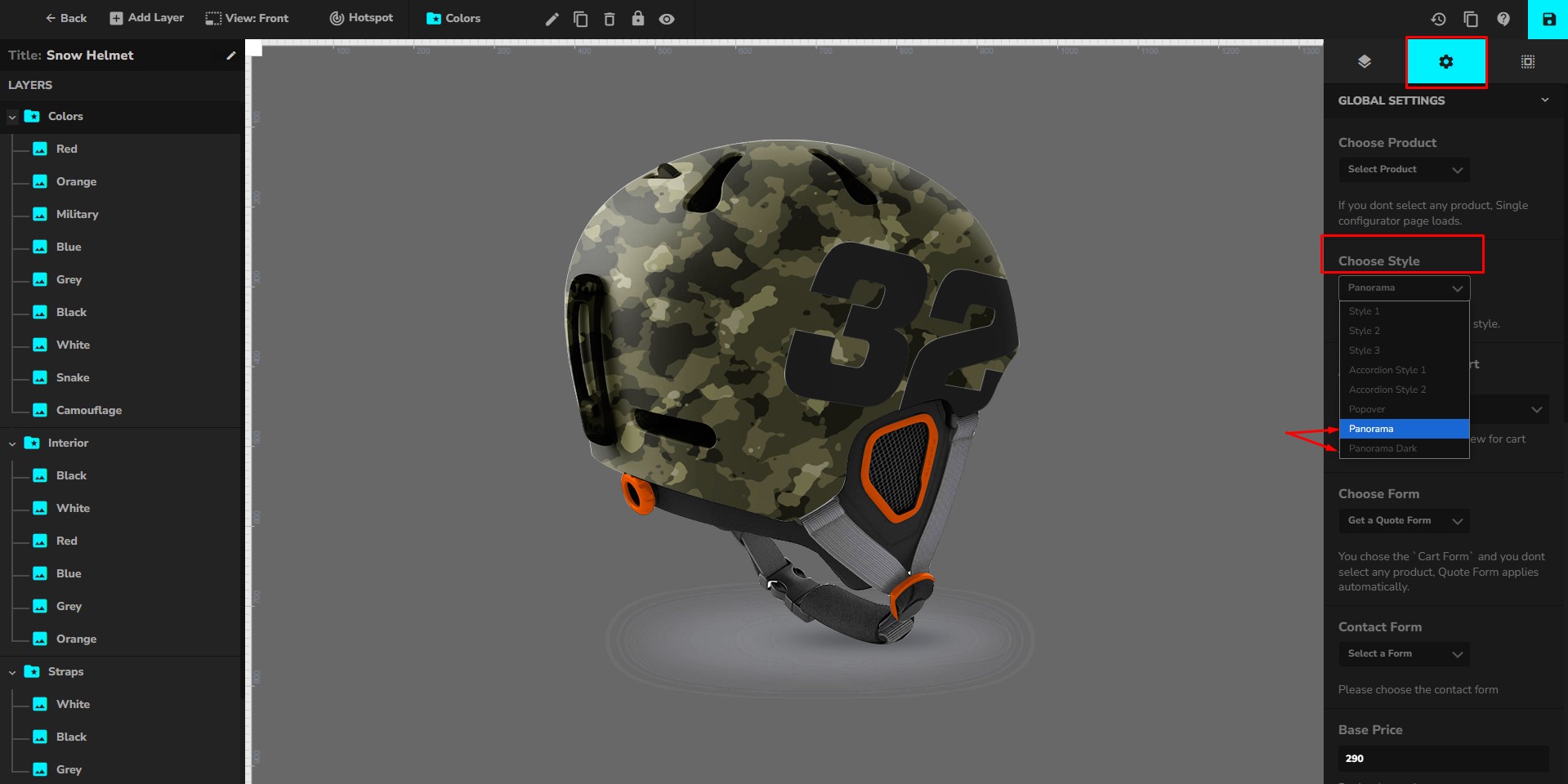
- Create a new Configurator Product in WP Configurator.
- Set the style to either Panorama or Panorama Dark.
Preview
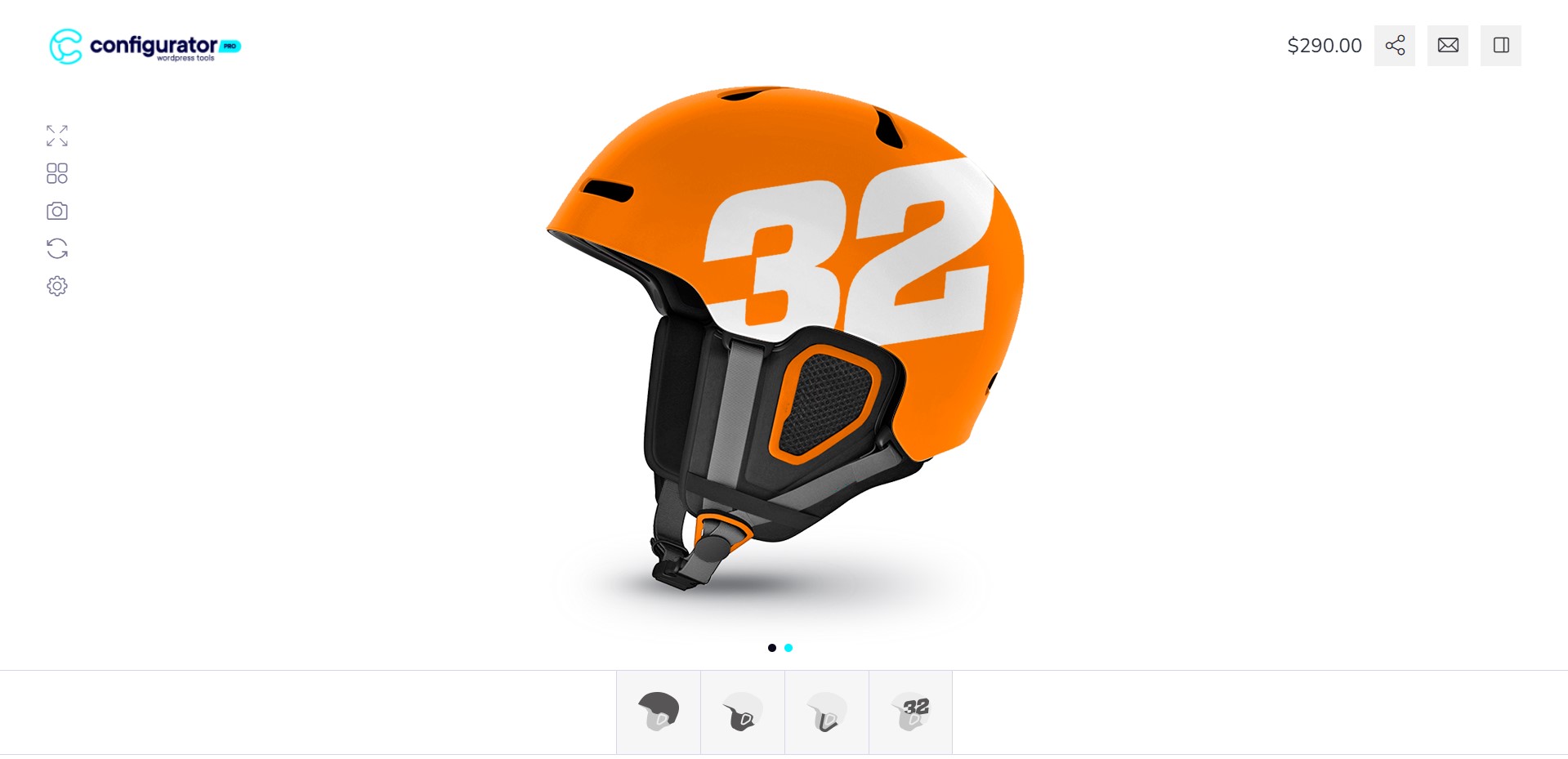
Once the setup is complete, visit the front end to see how Panorama and Panorama Dark appear on your site.
The Panorama Skin is a premium add-on for the WP Configurator plugin, offering two visually distinct versions: Panorama Light and Panorama Dark. Each version provides a unique experience to enhance the customization process of your product configurator.
Why Choose Panorama Light?
The Panorama Light version offers a clean and sleek design, ensuring an elegant user experience. Key features include:
- Flying Logo: Already visible in the left corner for branding purposes.
- Product Price & Purchase Options: Displayed in the right corner, including options for social sharing, getting a quote, and viewing purchase details.
- Floating Icons (Bottom Left Corner):
- Zoom: Enhances the product view.
- Inspiration: Provides design ideas.
- Take Photo: Captures a snapshot of the configuration.
- Reset: Restores the default configuration.
- Admin Access Feature: Allows administrators to create inspirations.
- Layer Selections (Bottom Area): Users can customize their product by selecting different layers and options.
Why Choose Panorama Dark?
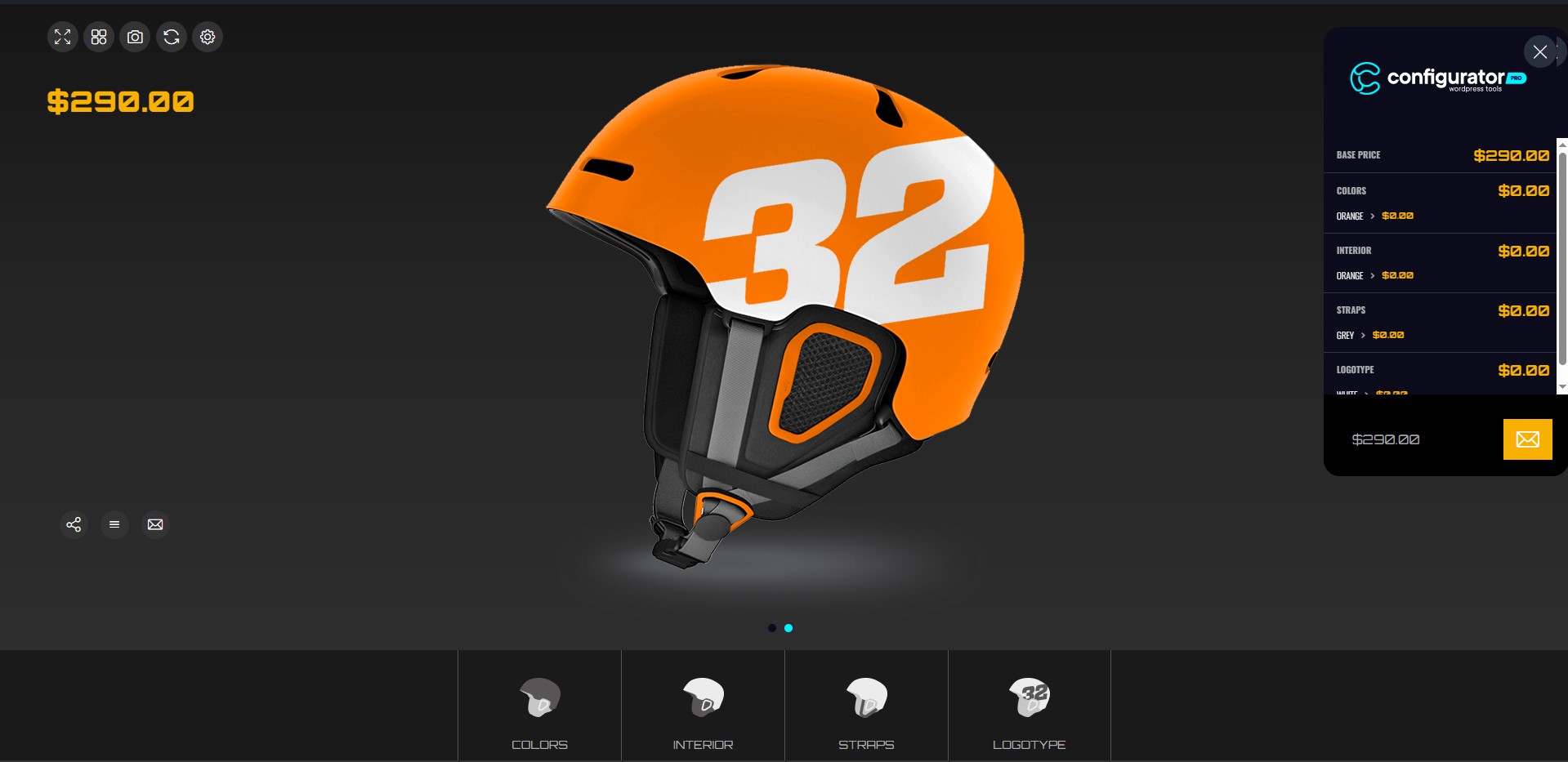
The Panorama Dark version offers a bold and modern look, reducing eye strain while making product configurations stand out. Key features include:
- Floating Icons & Product Price (Left Corner):
- Positioned for convenience, making customization easier.
- The product price is larger and more noticeable.
- Same Floating Icons as Panorama Light: Includes Zoom, Inspiration, Take Photo, Reset, and Admin Access for creating inspirations.
- Additional Features (Bottom Left Corner):
- Social Share & Purchase Details: Clicking the purchase details icon opens a sidebar on the right for easy access.
- Quote/Cart Icon: Provides quick access to purchase options.
- Layer Selections (Bottom Area): Positioned similarly to the Panorama Light version, ensuring a consistent user experience.
Conclusion
Both Panorama Light and Panorama Dark versions come bundled with the Panorama Skin add-on, giving users the flexibility to choose the style that best fits their needs. Whether you prefer the sleek and clean look of Panorama Light or the bold and modern appearance of Panorama Dark, this add-on enhances product configurators with intuitive design and practical functionality.