What is Tailor Skin?
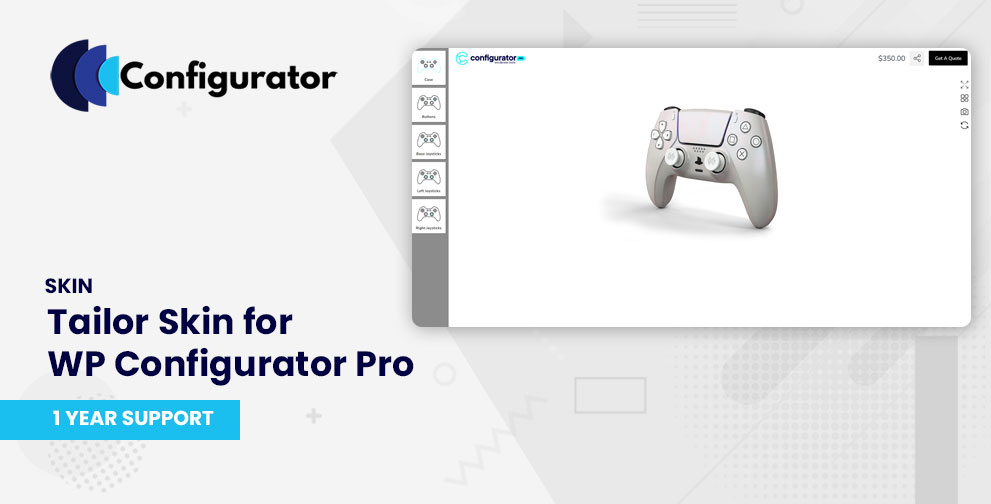
Tailor Skin is a premium skin/template for WP Configurator Pro, optimized for fashion, apparel, made-to-order, and personalized product configurators. It offers a clean, modern layout with sidebar navigation and intuitive controls that highlight customization options and real-time previews.
With Tailor, your customers can experience a sleek and efficient customization process without clutter, making it ideal for clothing, garments, print-on-demand, and bespoke items.
Key Features of Tailor Skin
- Sidebar‐based group control navigation (horizontal left sidebar) that opens sub-controls in popups or overlays
- Real-time preview updates for selections and personalization fields
- Clean summary panel for showing selected options and pricing
- Fully responsive and mobile-friendly design adapted for fashion eCommerce
When to Use Tailor Skin
Use Tailor Skin when your products require:
- A strong visual presentation (clothing designs, fabrics, custom apparel)
- Layered or conditional options (e.g. selecting fabric → style → size)
- Customer personalization (text, monograms, uploads)
- A clean, focused UI that emphasizes the product and customization rather than controls
Installation & Activation
- After purchase, download the Tailor skin files.
- In your WordPress admin, go to the Plugins page and upload the Tailor skin file and activate it.
- Ensure WP Configurator Pro is installed and active.
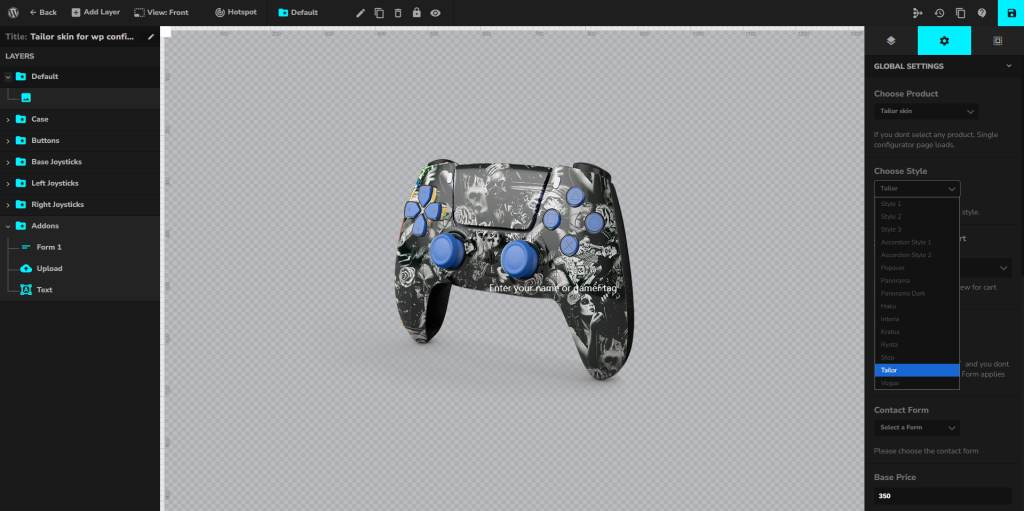
- Go to your Configurator Product → Global Settings → Choose Style
- Choose Tailor Skin and save it.