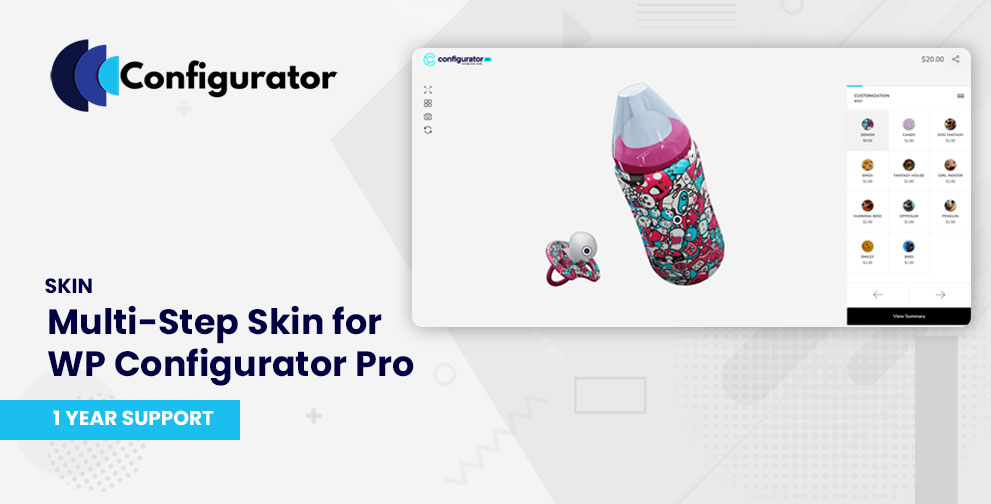
What is the Multi-Step Skin?
The Multi-Step Skin (also called “Step Skin”) is a specialized template for WP Configurator Pro that breaks down product customization into sequential stages.
Instead of showing all options at once, Multi-Step guides the user through a series of steps, each focusing on one set of choices. It uses a top navigation bar (breadcrumb / progress indicator) to show the user where they are and what remains.
This structured flow helps reduce overwhelm, enhance clarity, and improve completion rates for complex configurable products.
Key Features
- Step-by-step guided flow – break down complex configurations into manageable parts.
- Progress tracker / breadcrumbs – shows current step and remaining steps clearly.
- Seamless step navigation – users can move forward or backward without losing their selections.
- Auto-save between steps – ensures data is preserved as users navigate. (Implied in product description)
- Reduced decision overload – only show what’s needed per step to keep focus.
- Responsive & mobile friendly – adapts layout to different screen sizes.
Use Cases / Ideal Fit
- Products with multiple configuration phases, e.g. custom furniture (step 1: base, step 2: finish, step 3: materials)
- Premium goods that require guidance so customers don’t feel lost
- Situations where you want to present options in a curated, linear flow
Installation & Activation
- After purchase, download the Multi-step skin files.
- In your WordPress admin, go to the Plugins page and upload the Multi-step skin file and activate it.
- Ensure WP Configurator Pro is installed and active.
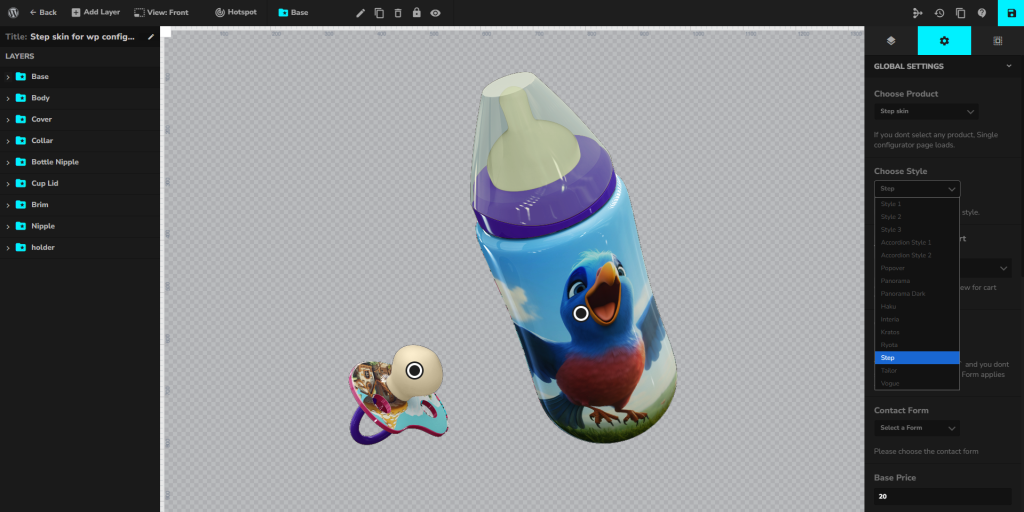
- Go to your Configurator Product → Global Settings → Choose Style
- Choose Step Skin and save it.