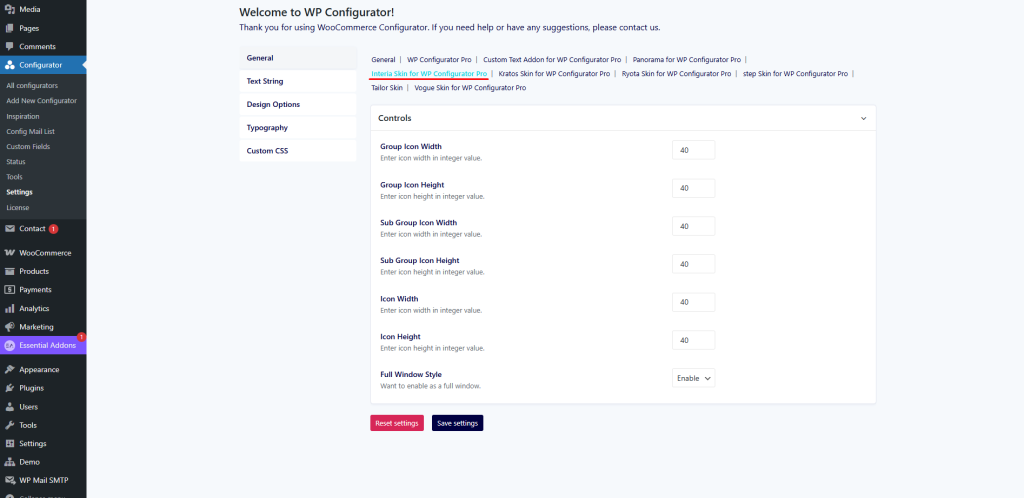
General Settings
The General Settings tab allows you to configure icon dimensions and layout preferences for the Interia Skin.
Available Options:
- Group Icon Width & Height – define dimensions for group icons.
- Sub Group Icon Width & Height – set size values for subgroup icons.
- Icon Width & Height – control the default size of product option icons.
- Full Window Style – choose whether to display the configurator in full-screen immersive mode.
These settings ensure that the interface remains clear and consistent across various screen sizes.