
As previously mentioned, you can select the Shortcode widget and then select the configuration you want to show up. For example, lets add up Configurator Accordion Control Widget. As you dragged it, you can see the options on the left to select the configuration first. Select the Configurator you created and there you go:
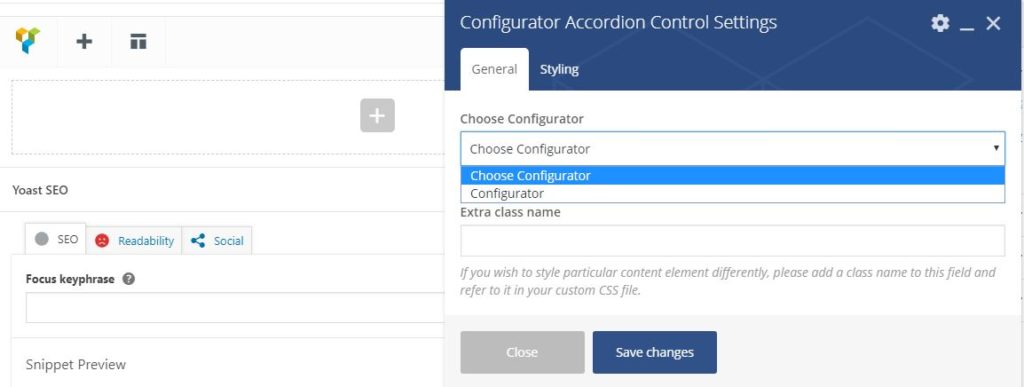
That’s it, there you can show the configurator in Accordion as you could show in WPBakery. You can choose which shortcode you want to put in and then work accordingly. Simple and Superfast!