What is Interia Template / Skin?
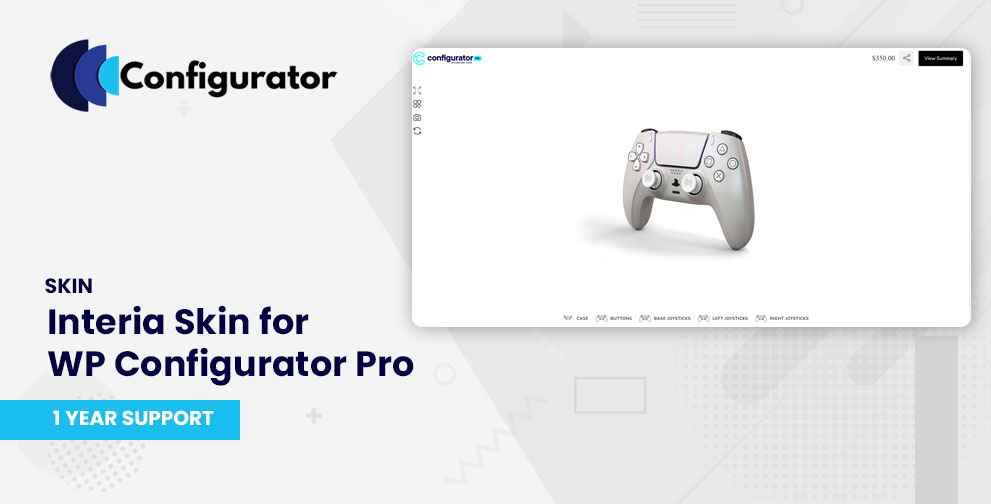
The Interia Skin is a premium template for WP Configurator Pro, specifically designed for furniture, home décor, and household goods.
It provides an elegant, showroom-like experience that makes browsing and customizing products more intuitive and visually engaging.
Interia Skin helps customers visualize products in a lifestyle context, making it perfect for furniture shops, interior design businesses, and eCommerce stores focusing on stylish home essentials.
Key Features of Interia Template / Skin
- Elegant layout tailored for furniture & home goods configurators.
- Showroom-style design – helps customers picture products in lifestyle contexts.
- Smooth navigation flow – product options are categorized clearly into groups and subgroups.
- Mobile-friendly UI – adapts seamlessly across devices for home shoppers.
- Seamless add-on support – works with inventory management, custom inputs, and range pricing add-ons.
- Clean typography & visuals – focused on presenting products beautifully with minimal distractions.
When to Use Interia Template / Skin
Use Interia Skin when your configurator project involves:
- Furniture & interior products (e.g., sofas, tables, beds, cabinets).
- Home décor items like lighting, textiles, and wall accents.
- Lifestyle visualization where users want to explore items in a clean, showroom-style layout.
- Consumer-friendly product journeys, where aesthetics and simplicity are key to driving sales.
- eCommerce stores targeting fashion-conscious or design-savvy customers.
Installation & Activation
- After purchase, download the Interia Skin files.
- In your WordPress admin, go to the Plugins page and upload the Interia Skin file and activate it.
- Ensure WP Configurator Pro is installed and active.
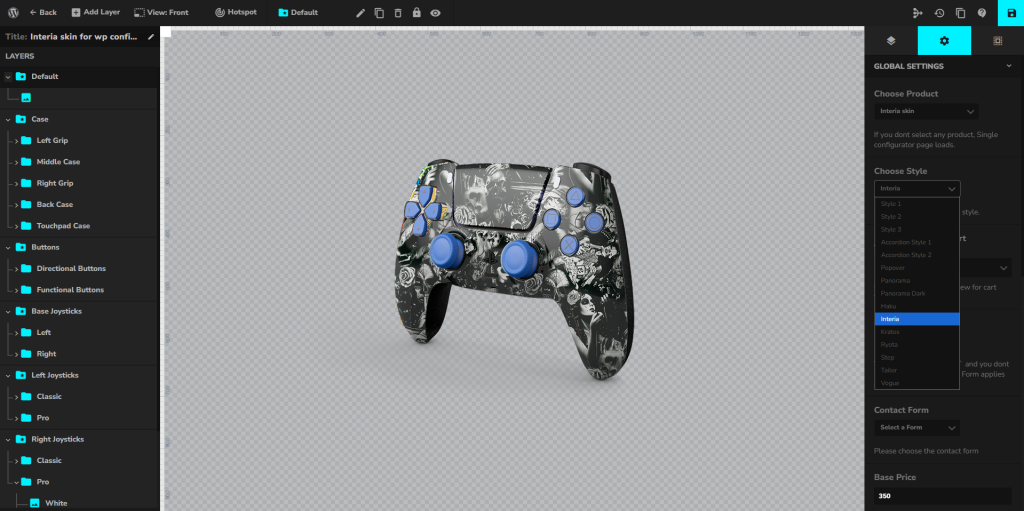
- Go to your Configurator Product → Global Settings → Choose Style
- Choose Interia Skin and save it.